
Send enquiry ⏎

Odoo Online Live Class by Experts

Our Training/Internship Process

Odoo Online Live Classes in Sydney | Free Demo Training

Odoo - Syllabus, Fees & Duration

Section 1 : Introduction

  • Introduction
  • History of ODOO

Section 2 : Technical Fundamentals of ODOO Addons

  • Addon's module structure and manifest file usage.
  • Writing your first module.
  • The first module writes the relation field with fields, views, function, and menu.
  • Widgets and controls in UI
  • Domain - dynamic UI bivivisions with structure, modules, ATTRS and Onchange.
  • Views, view attribute, diagram view, graph view, calendar view.
  • Model and class-level attributes
  • Creating a base module
  • Fields parameters.
  • Complex fields.
  • Design the Kanban views
  • Introduction to constraints, SQL constraints, automatic reserve fields
  • .

Section 3 : Inheritance

  • Modifying Existing Models, Inheritance

Section 4 : ORM Models

  • Traditional ORM methods
  • Advanced ORM methods
  • A procedure from the GUI is followed by a method of follow-up
  • API decorations in ODOO, the difference between the previous version and the odoo calls
  • The most used API decorations
  • Relational Field Operations with the API
  • Review of commonly used ORM modes
  • PMS editing and expression

Section 5 : Different types of Button and overview of linked views

  • Various types of buttons and linked views
  • Creates demonstration data and sequence
  • Creating wizards

Section 6 : Web Services

  • Web services
  • Payment Gateway Integration Guide
  • ODOO Server Parameters and Configuration

Section 7 : Odoo Security

  • Security at Odoo from UI
  • Security in ODOO using Module

Download Syllabus - Odoo
This syllabus is not final and can be customized as per needs/updates
   
10000+
20+
50+
25+

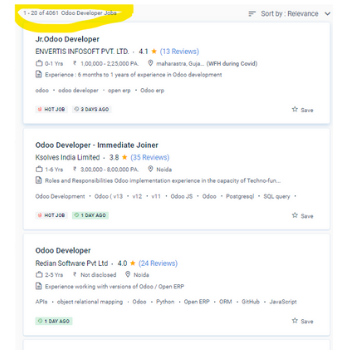
Odoo Jobs in Sydney

Enjoy the demand

Find jobs related to Odoo in search engines (Google, Bing, Yahoo) and recruitment websites (monsterindia, placementindia, naukri, jobshybrid.com, indeed.co.in, shine.com etc.) based in Sydney, chennai and europe countries. You can find many jobs for freshers related to the job positions in Sydney.

  • jr.odoo developer
  • python odoo developer
  • odoo trainer
  • Software Engineer
  • Odoo Erp Developer
  • Odoo Erp consultant
  • Odoo Executive

Odoo Internship/Course Details

Odoo internship jobs in Sydney
Odoo Its features and capabilities can assist businesses of any kind streamline processes, reducing operating expenses, and developing their business. Our Odoo certified expert trainer will instruct using a real-time scenario-based case study and will provide study materials and a Presentation. If you want to pursue a career as an Odoo Developer, you must first complete Odoo technical training at a reputable live project training school. Because you came on the right occasion. Nestsoft gives replies to all of your questions. Our instructors are highly qualified and educated to give live Odoo training courses at the most affordable prices. We offer Odoo training for all versions, starting with the most recent. . Both versions include iOS and Android apps. Students are perplexed after finishing their education and discovering no way to advance their careers.


Meet a Few of our Industry Experts 🚀 Your Pathway to IT Career

Deepraj

Mobile: +91 94975 90866
Location: Online (Sydney, Australia)
Qualification: Bachelor in Technology

Experience: I have a experience of two + years and have worked on versatile android projects with core concepts involving background  more..

Tofik

Mobile: +91 9895490866
Location: Online (Sydney, Australia)
Qualification: Master of computer applications

Experience: I have total 5 2 years of experience as mobile applications developer having skills like android react native flutter   more..

Mohammed

Mobile: +91 89210 61945
Location: Online (Sydney, Australia)
Qualification: Bachelor of computer applications

Experience: Basic knowledge of Html Css javascript Mongo db Etc I have completed UI FULL STACK WEB DEVELOPMENT Course at Naresh  more..

Ramya

Mobile: +91 94975 90866
Location: Online (Sydney, Australia)
Qualification: BE CSE

Experience: This is Ramya I have 2 4 years experience in both manual and Automation testing I have good knowledge in  more..

Bhoomika

Mobile: +91 98474 90866
Location: Online (Sydney, Australia)
Qualification: B.Sc

Experience: business development CRM PNL Management  more..

Akhil

Mobile: +91 91884 77559
Location: Online (Sydney, Australia)
Qualification: Bachelor degree (BCA)

Experience: C++ programming language DBMS MS Excel operating system Project management javascript HTML CSS and familiar with data structures java Nodejs  more..

SRUTHY

Mobile: +91 8301010866
Location: Online (Sydney, Australia)
Qualification: MCA

Experience: Java HTML5 Bootstrap CSS Wordpress Microsoft Word Microsoft Excel Undertaking Software Testing course at Luminartechnolabs Worked as junior php developer  more..

Abin

Mobile: +91 89210 61945
Location: Online (Sydney, Australia)
Qualification: MCA

Experience: React js training 4 month Web development certification Full stack Dot net training Node js mongo db MySQL java jQuery  more..

Shrikant

Mobile: +91 91884 77559
Location: Online (Sydney, Australia)
Qualification: BCA

Experience: As A wordpress developer and Canva Designing also I having frontend skills like html CSS like that   more..

Chandu

Mobile: +91 91884 77559
Location: Online (Sydney, Australia)
Qualification: B.com general

Experience: I did two internship for seo off page i have 10 experience on internship  more..

Meenu

Mobile: +91 91884 77559
Location: Online (Sydney, Australia)
Qualification: Btech ec

Experience: Knowledge in programming languages Good in team works Good communication skills Strong knowledge in manual testing   more..

Rohini

Mobile: +91 98474 90866
Location: Online (Sydney, Australia)
Qualification: Btech

Experience: Core java android framework android studio Web Services json rest kotlin Sqlite room db  more..

Arishika

Mobile: +91 8301010866
Location: Online (Sydney, Australia)
Qualification: Bechulors

Experience: Business development executive at axis bank  more..

Mohammed

Mobile: +91 89210 61945
Location: Online (Sydney, Australia)
Qualification: Diploma in computer engineering

Experience: 6 months experience in flutter development UI designing State management   more..

Siddharth

Mobile: +91 89210 61945
Location: Online (Sydney, Australia)
Qualification: Btech and Mtech

Experience: Greetings A few highlights: - Combined professional experience of 2+ years - Masters in Computer Science & Engineering - Blog  more..

ARDRA

Mobile: +91 91884 77559
Location: Online (Sydney, Australia)
Qualification: bca

Experience: Install configure and maintain Linux operating systems Set up and manage user accounts and permissions Routing and Switching: Proficient in  more..

Rahul

Mobile: +91 89210 61945
Location: Online (Sydney, Australia)
Qualification: B.tech

Experience: Node js express javascript MongoDB react js c++ SQL Bootstrap CSS HTMLApplication for Node JS  more..

Muthukamaleswari

Mobile: +91 89210 61945
Location: Online (Sydney, Australia)
Qualification: BE

Experience: 1year and 4 months of working experience as a Frontend developer   more..

Barinder

Mobile: +91 91884 77559
Location: Online (Sydney, Australia)
Qualification: Mca

Experience: Mvvm kotlin Java Android react native navigation Room Google map payment gateways firebase etc  more..

Nishant

Mobile: +91 91884 77559
Location: Online (Sydney, Australia)
Qualification: Bsc chemistry

Experience: Manual testing automation testing  more..

Tejaswini

Mobile: +91 89210 61945
Location: Online (Sydney, Australia)
Qualification: Mtech

Experience: I have 4 5 years Experience as software test engineer I have experience in Manual testing and automation testing and  more..

Piyush

Mobile: +91 8301010866
Location: Online (Sydney, Australia)
Qualification: BTech computer science and engineering

Experience: I have experience in problem solving through c++ and web development through mern stack where I have used react js  more..

Murali

Mobile: +91 91884 77559
Location: Online (Sydney, Australia)
Qualification: Bsc computer science

Experience: Fresher Web design i know   more..

Silpa

Mobile: +91 89210 61945
Location: Online (Sydney, Australia)
Qualification: MCA

Experience: I have 3 6 years of experience in asp net and sql server 6 months experience in asp net core  more..

Success Stories

The enviable salary packages and track record of our previous students are the proof of our excellence. Please go through our students' reviews about our training methods and faculty and compare it to the recorded video classes that most of the other institutes offer. See for yourself how TechnoMaster is truly unique.

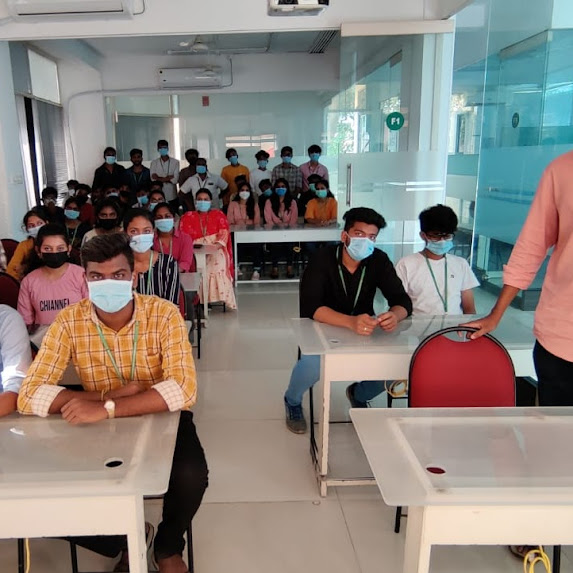
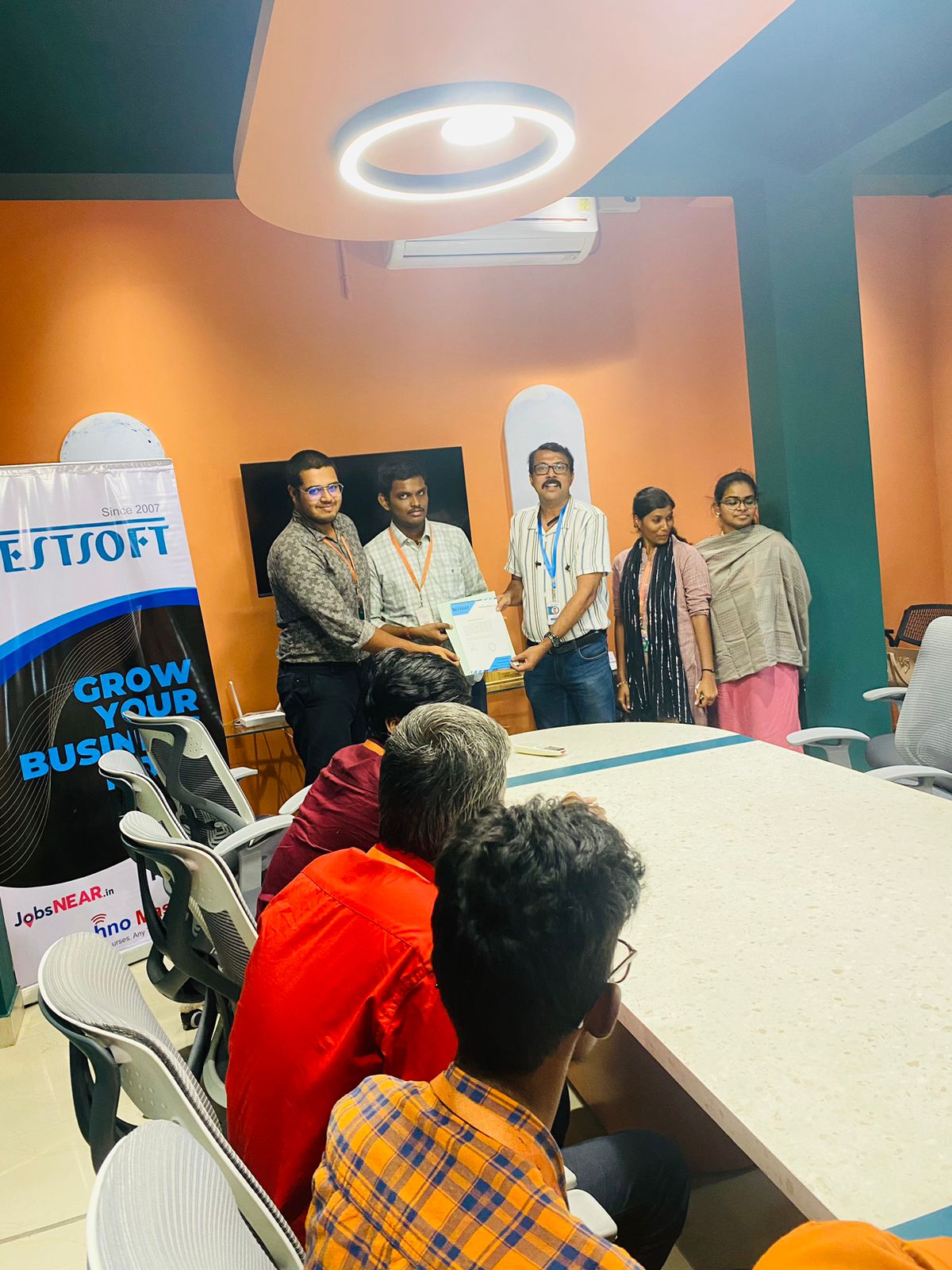
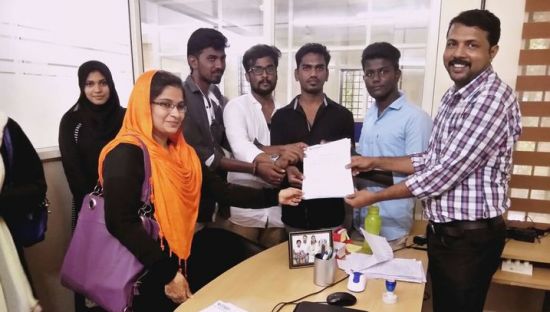
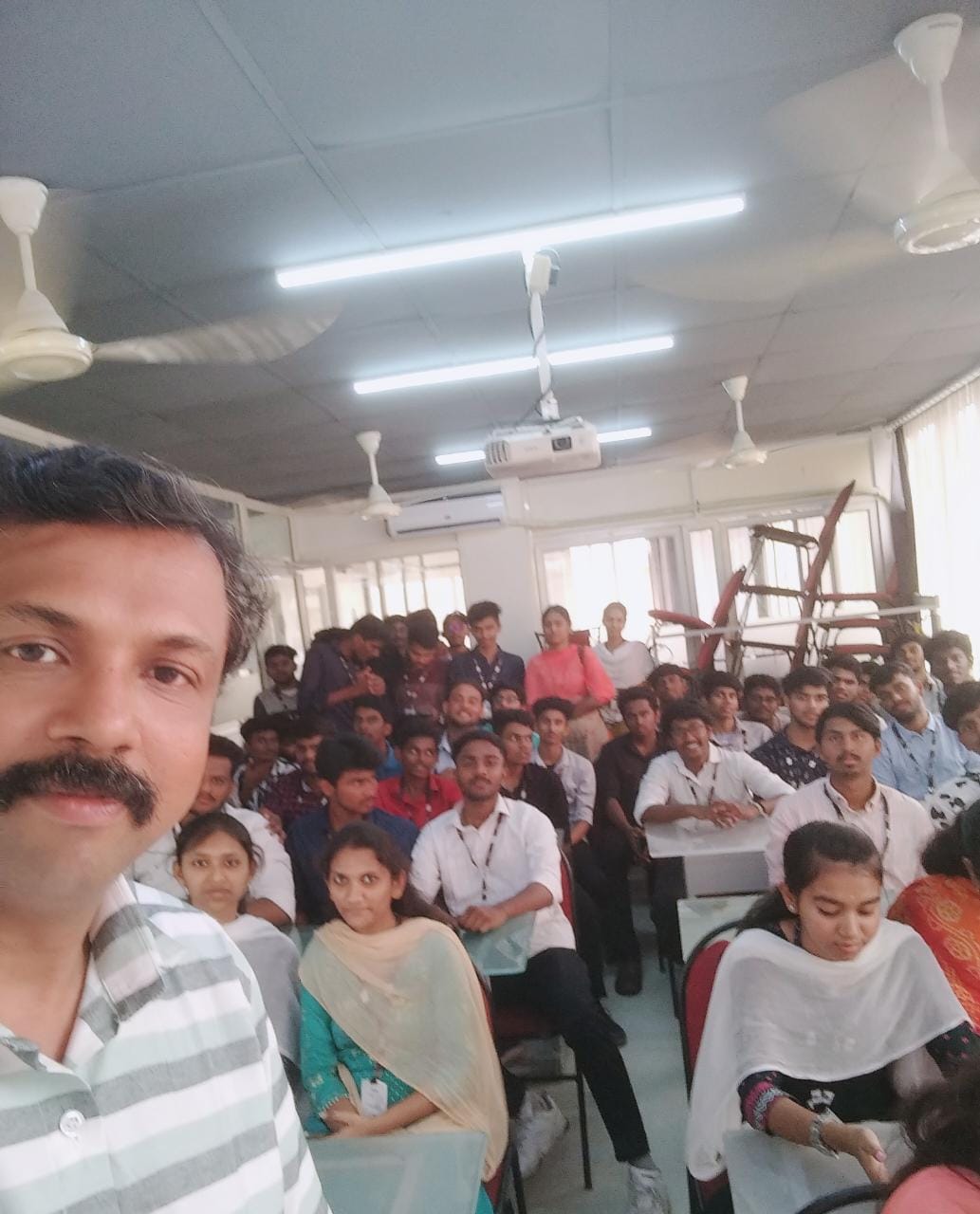
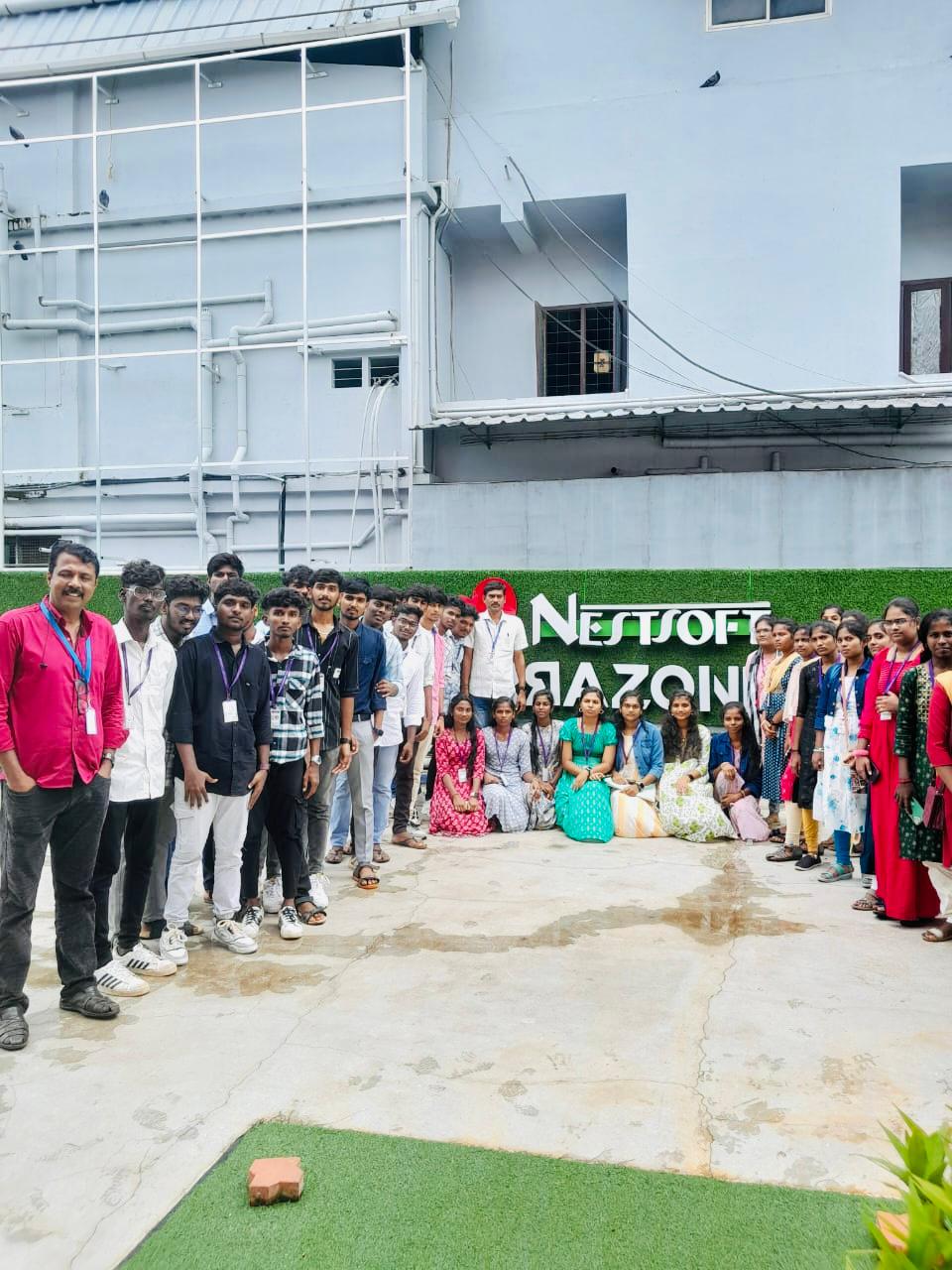
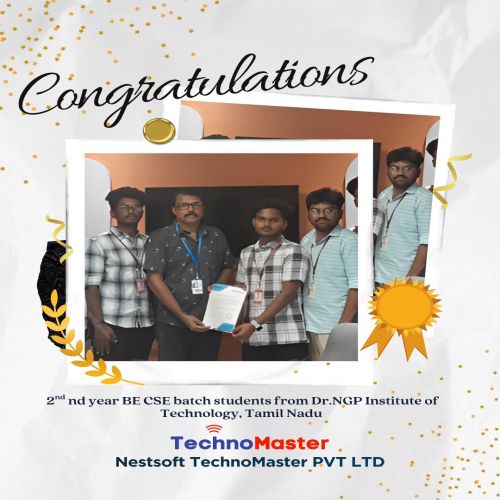
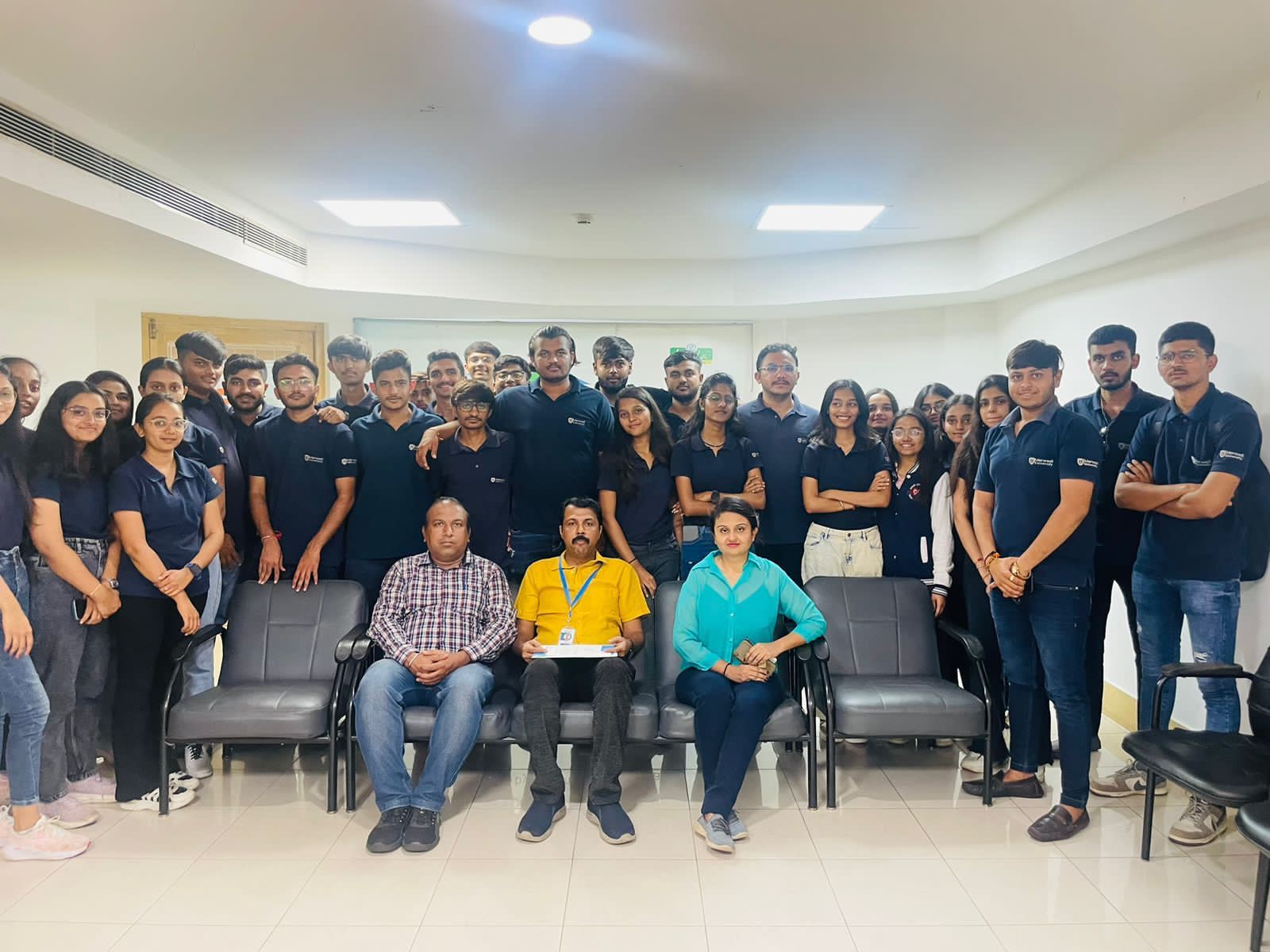
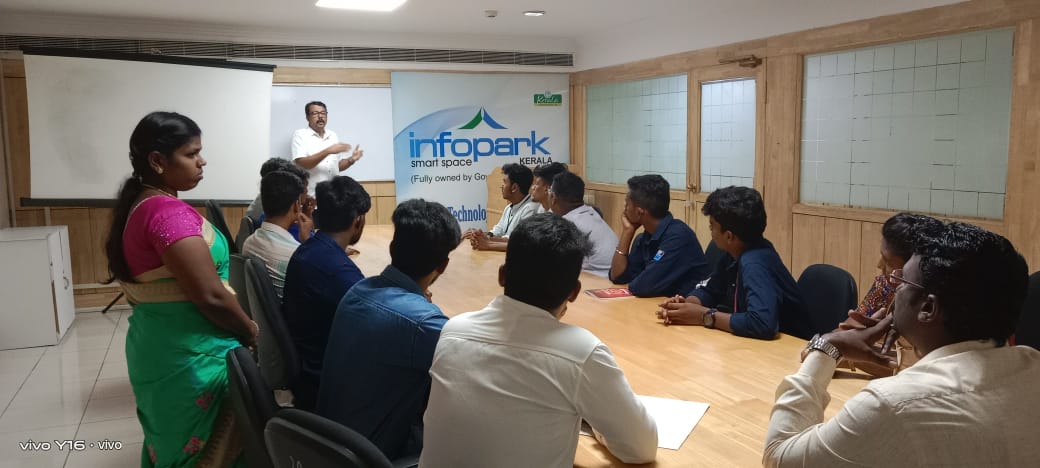
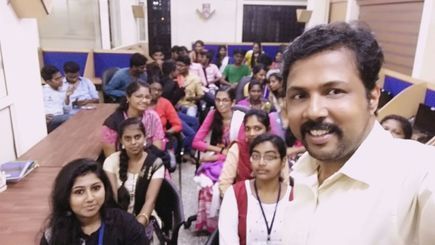
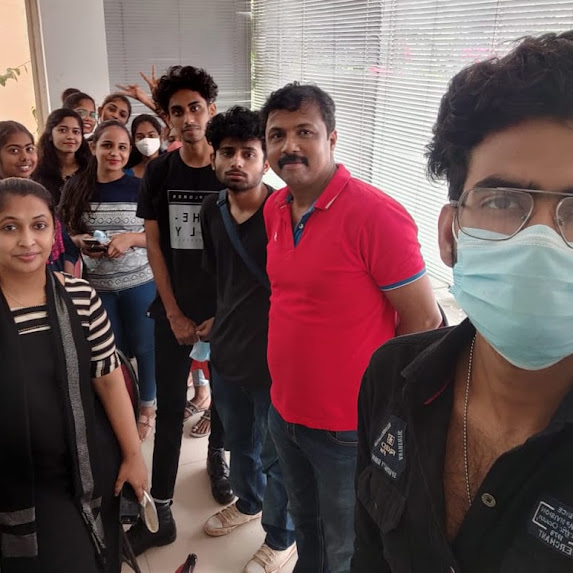
Photos of Training / Internships

Internship/projects in sydney

Trained more than 10000+ students who trust Nestsoft TechnoMaster

Get Your Personal Trainer