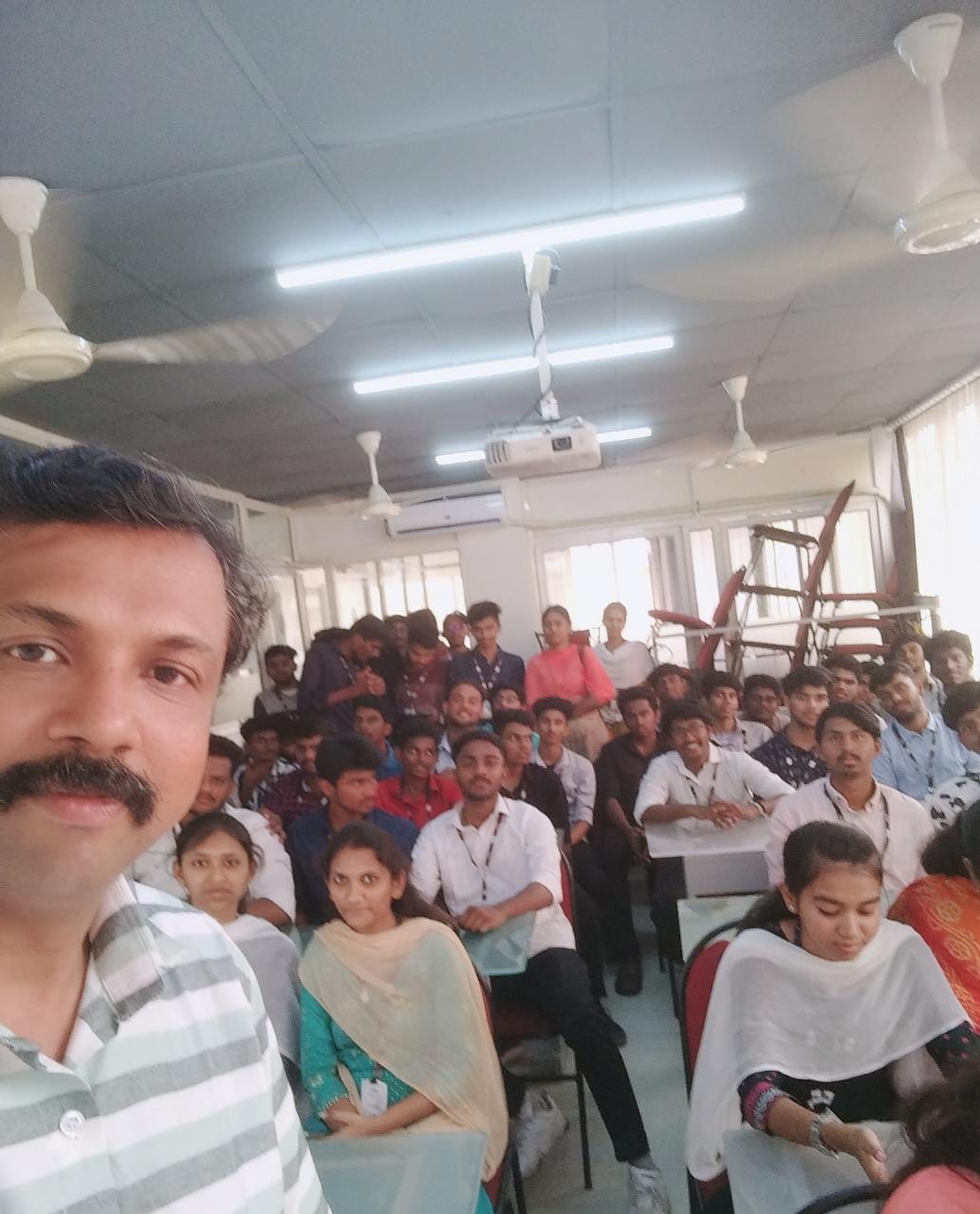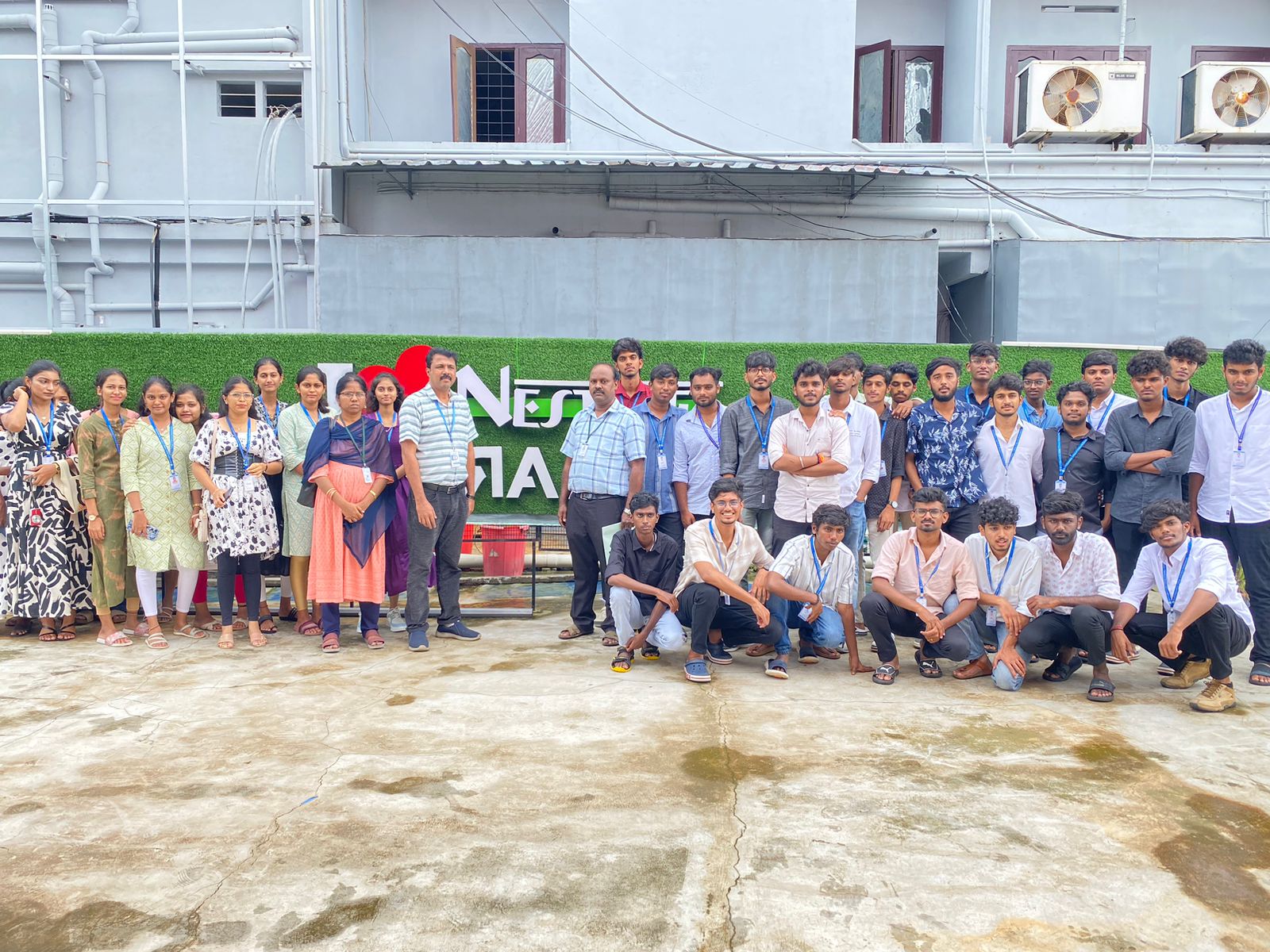

Framer Online Live Class by Experts
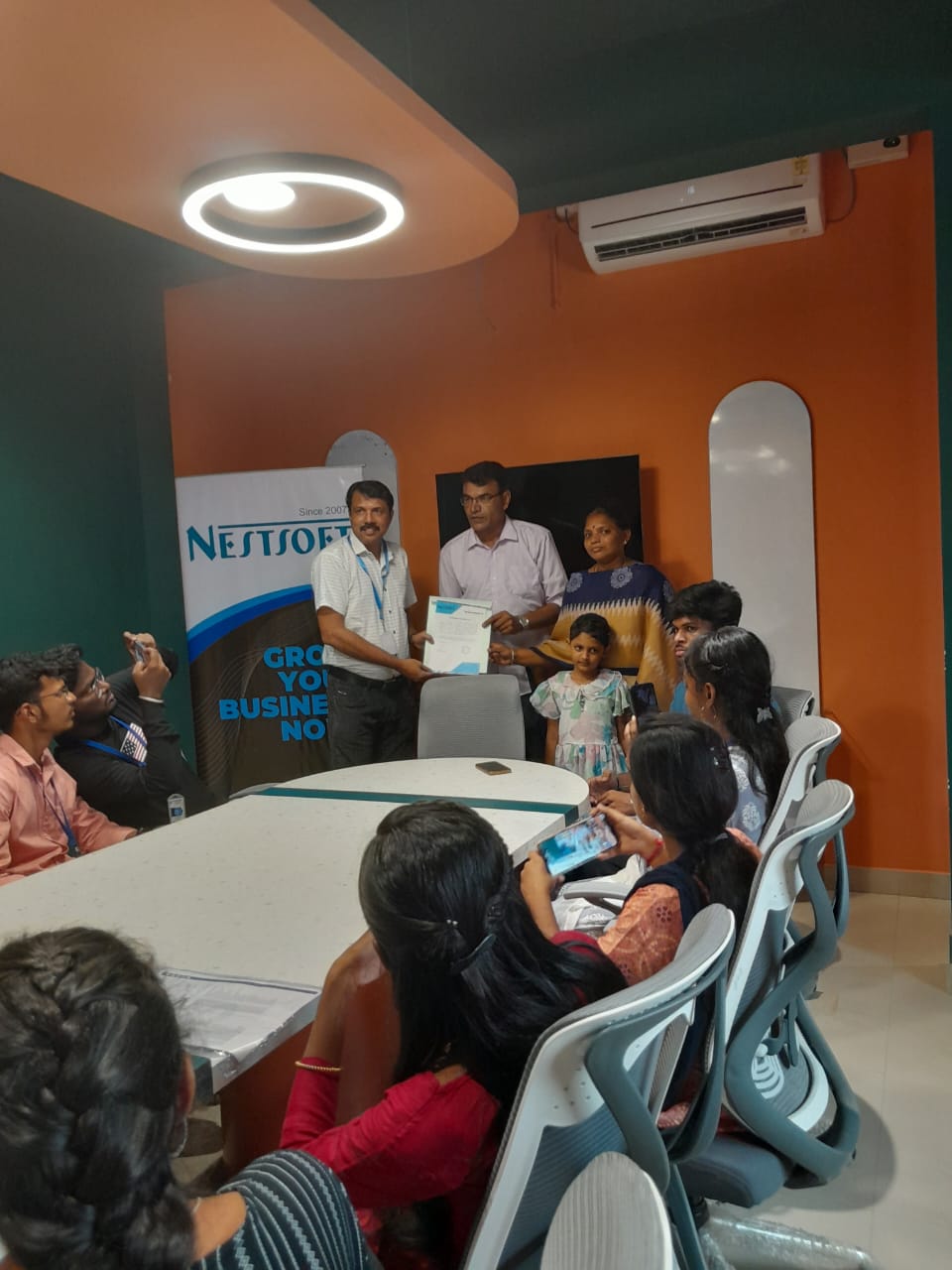
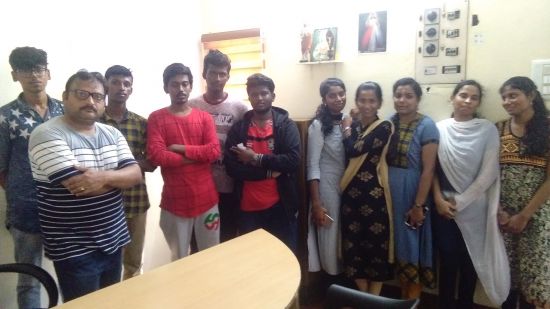
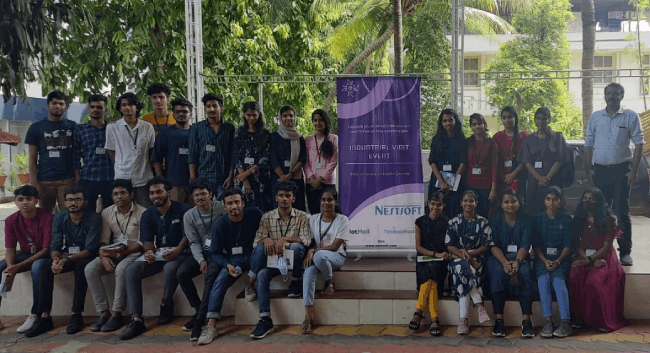
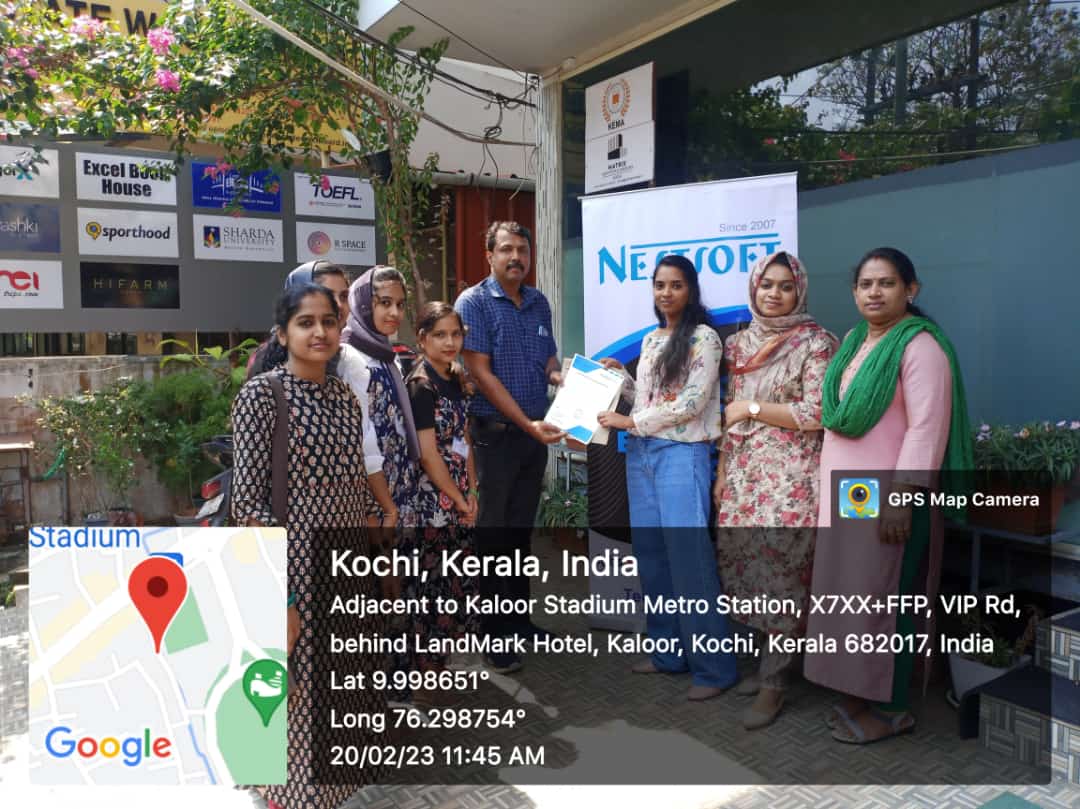
Our Training/Internship Process

Framer - Syllabus, Fees & Duration
(By TechnoMaster – Learn from Industry Experts)
Course Format:
Total Duration: 10 Hours (5 Sessions x 2 Hours Each)
Mode: Live Online/Offline with Projects
Outcome: Build & publish a portfolio-ready website + Certification
Syllabus Breakdown
Session 1: Framer Basics & UI Foundations (2 Hours)
Introduction to No-Code Development
Why Framer? (vs. Webflow, Figma, WordPress)
Framer interface & key tools
Designing Your First Page
Layouts, grids, and responsive design principles
Working with components & styling
Session 2: Interactive Design & Prototyping (2 Hours)
Animations & Micro-Interactions
Scroll, hover, and click animations
Smart components & variants
Prototyping Workflows
Linking pages, transitions, and preview modes
Session 3: Advanced Features & CMS (2 Hours)
Dynamic Content with CMS
Setting up collections (blogs, portfolios, product listings)
Fetching data from APIs
Integrations
Google Sheets, Airtable, and third-party plugins
Session 4: Optimization & Publishing (2 Hours)
SEO & Performance Best Practices
Metadata, alt tags, and speed optimization
Domain Setup & Hosting
Publishing on Framer + custom domains
Session 5: Portfolio Project & Career Prep (2 Hours)
Build a Real-World Project (Landing page/portfolio)
Freelancing & Job Opportunities
How to market Framer skills (Upwork, LinkedIn)
Q&A + Certification Quiz
Download Syllabus - Framer
This syllabus is not final and can be customized as per needs/updates
- Since 2001, Making IT Experts by Experts
- Duration: 10 Hours (Vary as per your skill)
- Course Fees
- Individual Live Classes (1:1)
- Batch Classes @ Low Fees
- Training on Your Time, Any Where
- Access to Recorded Videos
- Practical Internship on Projects
- 100% Placement Support by our jobsHybrid.com
- Training/Internship Certificate
- Adelaide
- Albany
- Alice Springs
- Armidale
- Ballarat
- Bathrust
- Bendigo
- Brisbane
- Bunbury
- Busselton
- Cairns
- Canberra
- Central Coast
- Darwin
- Devonport
- Dubbo
- Geelong
- Geraldton
- Gold Coast
- Goulburn
- Hobart
- Launceston
- Lismore
- Melbourne
- Melton
- Mildura
- Newcastle
- Nowra
- Orange
- Perth
- Rockhampton
- Shepparton
- Sydney
- Tamworth
- Toowoomba
- Townsville
- Warrnambool
- Wollongong
Course Highlights

Our Locations

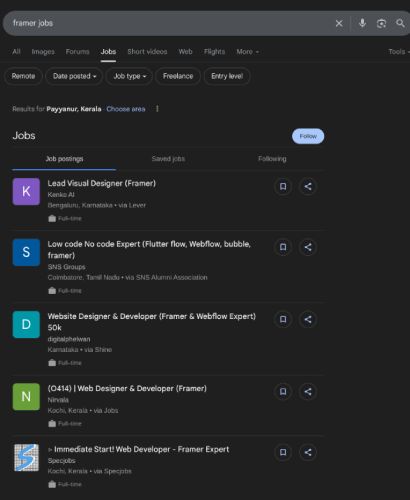
 Over 10 hours of expert-led instruction, you'll master Framer's visual editor, create interactive prototypes with animations and micro-interactions, integrate CMS and dynamic content, and publish sites with built-in hosting.
. No prior experience needed - start your journey as a Framer developer today! Limited seats available. Master Framer - No-Code Web Design Course
Learn to build stunning, responsive websites without coding in our intensive Framer training program! This hands-on course teaches you to use the revolutionary no-code web design tool that's transforming the industry. Join our industry-expert trainers to learn responsive web design, SEO optimization, and how to create portfolio-ready websites fast. Whether you want to land high-paying jobs at tech companies or launch a freelance career on Upwork/Fiverr, this course gives you in-demand skills. Perfect for UI/UX designers, web developers, freelancers, and entrepreneurs, our training includes real-world projects, certification, and placement assistance.
Over 10 hours of expert-led instruction, you'll master Framer's visual editor, create interactive prototypes with animations and micro-interactions, integrate CMS and dynamic content, and publish sites with built-in hosting.
. No prior experience needed - start your journey as a Framer developer today! Limited seats available. Master Framer - No-Code Web Design Course
Learn to build stunning, responsive websites without coding in our intensive Framer training program! This hands-on course teaches you to use the revolutionary no-code web design tool that's transforming the industry. Join our industry-expert trainers to learn responsive web design, SEO optimization, and how to create portfolio-ready websites fast. Whether you want to land high-paying jobs at tech companies or launch a freelance career on Upwork/Fiverr, this course gives you in-demand skills. Perfect for UI/UX designers, web developers, freelancers, and entrepreneurs, our training includes real-world projects, certification, and placement assistance.