
Send enquiry ⏎

MCSE Online Live Class by Experts

Our Training/Internship Process

MCSE Online Live Classes in Shepparton | Free Demo Training

MCSE - Syllabus, Fees & Duration

MODULE 1

  • Windows Server 2012 Overview
  • Overview of Windows Server 2012 Management
  • Installing Windows Server 2012
  • Post-Installation Configuration of Windows Server 2012
  • Introduction to Windows PowerShell

MODULE 2

  • Introduction to Active Directory Domain Services
  • Overview of AD DS
  • Overview of Domain Controllers
  • Installing a Domain Controller

MODULE 3

  • Managing Active Directory Domain Services Objects
  • Managing User Accounts
  • Managing Group Accounts
  • Managing Computer Accounts
  • Delegating Administration

MODULE 4

  • Automating Active Directory Domain Services Administration
  • Using Command-line Tools for Administration
  • Using Windows PowerShell for Administration
  • Performing Bulk Operations with Windows PowerShell

MODULE 5

  • Implementing IPv4
  • Overview of TCP/IP
  • Understanding IPv4 Addressing
  • Subnetting and Supernetting
  • Configuring and Troubleshooting IPv4

MODULE 6

  • Implementing DHCP
  • Installing a DHCP Server Role
  • Configuring DHCP Scopes
  • Managing a DHCP Database
  • Securing and Monitoring DHCP

MODULE 7

  • Implementing DNS
  • Name Resolution for Windows Client and Servers
  • Installing and Managing a DNS Server
  • Managing DNS Zones

MODULE 8

  • Implementing IPv6
  • Overview of IPv6
  • IPv6 Addressing
  • Coexistence with IPv6
  • IPv6 Transition Technologies

MODULE 9

  • Implementing Local Storage
  • Overview of Storage
  • Managing Disks and Volumes
  • Implementing Storage Spaces

MODULE 10

  • Implementing File and Print Services
  • Securing Files and Folders
  • Protecting Shared Files and Folders Using Shadow Copies
  • Configuring Network Printing

MODULE 11

  • Implementing Group Policy
  • Overview of Group Policy
  • Group Policy Processing
  • Implementing a Central Store for Administrative Templates

MODULE 12

  • Securing Windows Servers Using Group Policy Objects
  • Windows Security Overview
  • Configuring Security Settings
  • Restricting Software
  • Configuring Windows Firewall with Advanced Security

MODULE 13

  • Implementing Server Virtualization with Hyper-V
  • Overview of Virtualization Technologies
  • Implementing Hyper-V
  • Managing Virtual Machine Storage
  • Managing Virtual Networks

MODULE 14

  • Administering windows server
  • Deploying and Maintaining Server Images
  • Configuring and Troubleshooting Domain Name System
  • Maintaining Active Directory Domain Services
  • Managing User and Service Accounts
  • Implementing a Group Policy Infrastructure
  • Managing User Desktops with Group Policy
  • Configuring and Troubleshooting Remote Access
  • Installing, Configuring, and Troubleshooting the Network Policy Server Role
  • Implementing Network Access Protection
  • Optimizing File Services
  • Configuring Encryption and Advanced Auditing
  • Implementing Update Management
  • Monitoring Windows Server 2012

MODULE 15

  • Configuring Advanced Windows Server Services
  • Implementing Advanced Network Services
  • Implementing Advanced File Services
  • Implementing Dynamic Access Control
  • Implementing Distributed Active Directory Domain Services Deployments
  • Implementing Active Directory Domain Services Sites and Replication
  • Implementing Active Directory Certificate Services
  • Implementing Active Directory Rights Management Services
  • Implementing Network Load Balancing
  • Implementing Failover Clustering
  • Implementing Failover Clustering with Hyper-V
  • Implementing Disaster Recovery
  • Download Syllabus - MCSE
    This syllabus is not final and can be customized as per needs/updates
   
10000+
20+
50+
25+

MCSE Jobs in Shepparton

Enjoy the demand

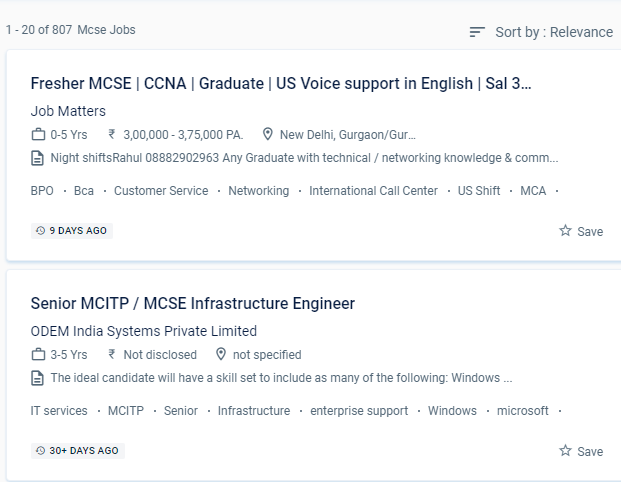
Find jobs related to MCSE in search engines (Google, Bing, Yahoo) and recruitment websites (monsterindia, placementindia, naukri, jobshybrid.com, indeed.co.in, shine.com etc.) based in Shepparton, chennai and europe countries. You can find many jobs for freshers related to the job positions in Shepparton.

  • Windows Administrator
  • Network Manager
  • Systems Administrator
  • Systems Engineer
  • IT Support Engineer
  • Technical Consultant
  • IT consultant
  • Systems Administrator
  • SQL Server Administrators
  • Database Backup Administrators

MCSE Internship/Course Details

MCSE internship jobs in Shepparton
MCSE Because this certification is industry-standard and globally recognized, it gives you an advantage over your peers and qualifies you for raises in pay and promotions. Artificial intelligence, computer science, cyber security, information security, information systems, information technology management, and machine learning are among the major topics covered in the MCSE. Students who want to clear up any questions can benefit from one-on-one teaching and can submit an email with any questions. You will work on hands-on exercises and industry-related projects during your online certification course. In the engineering section, Microsoft certified solution expert. The trained individual can come up with a unique solution to a problem in the business and create it from the ground up. The MCSE syllabus has been intended to cover every relevant topic. We are capable of designing and constructing networks. With MCSE certification training in Shepparton, you will be able to implement cloud-based solutions using a variety of technologies. Microsoft certified solution expert (MCSE) is regarded as one of the most prestigious credentials among IT professionals.


Meet a Few of our Industry Experts 🚀 Your Pathway to IT Career

Vivek

Mobile: +91 8301010866
Location: Online (Shepparton, Australia)
Qualification: Masters

Experience: Extensive experience teaching German to students of various proficiency levels from beginners to advanced learners I have lived and studied  more..

Nimish

Mobile: +91 91884 77559
Location: Online (Shepparton, Australia)
Qualification: BE IN COMPUTER ENGINEERING

Experience: I know about HTML CSS JS PYTHON and django framework also know about basic of php   more..

Abhishekh

Mobile: +91 89210 61945
Location: Online (Shepparton, Australia)
Qualification: Post Graduate

Experience: With a passion for Hindi language and culture I bring extensive experience and expertise as a Hindi teacher Over the  more..

Anubhav

Mobile: +91 91884 77559
Location: Online (Shepparton, Australia)
Qualification: Msc (cs)

Experience: 2 years of Experience in website devlopment and also wordpress theme intregration knowledge of html css php core plugins payment  more..

Abin

Mobile: +91 8301010866
Location: Online (Shepparton, Australia)
Qualification: MCA

Experience: React js training 4 month Web development certification Full stack Dot net training Node js mongo db MySQL java jQuery  more..

PRIYANKA

Mobile: +91 9895490866
Location: Online (Shepparton, Australia)
Qualification: BE (COMPUTER)

Experience: Having 4 years 2 months of experience in IT development as a Software Engineer Can provide training for front end  more..

Sumit

Mobile: +91 9895490866
Location: Online (Shepparton, Australia)
Qualification:

Experience: I'm Sumit Dipak Patil (WIX expert) from Amalner MH (425401) Education- B tech ME CGPA 7 84 (2022) Skill: HTML  more..

Kshitij

Mobile: +91 98474 90866
Location: Online (Shepparton, Australia)
Qualification: BTech

Experience: Organisation | ZURAVERSE | Software 01 Dec 2020 - 10Jan 2020 Key Skills: JavaScript React Next js ● Part of  more..

Nikhil

Mobile: +91 9895490866
Location: Online (Shepparton, Australia)
Qualification: Graduation

Experience: Main wordpress bahut time se use kar raha hoon aur use per Kai sari website banaa chuka hun  more..

Bhuvaneswari

Mobile: +91 98474 90866
Location: Online (Shepparton, Australia)
Qualification: Bsc

Experience: I learned java selenium automation testing i have good skills on the automation testing I'm a fresher i completed my  more..

Piyush

Mobile: +91 8301010866
Location: Online (Shepparton, Australia)
Qualification: 10th pass

Experience: Good evening sir or mam This is piyush from navyug school Sarojini Nagar I have an experienced on canva graphic  more..

Tarun

Mobile: +91 98474 90866
Location: Online (Shepparton, Australia)
Qualification: BTech

Experience: 3 years of experience as a backend developer  more..

Aiswarya

Mobile: +91 89210 61945
Location: Online (Shepparton, Australia)
Qualification: B-tech

Experience: html css javascript react  more..

srilakshmi

Mobile: +91 91884 77559
Location: Online (Shepparton, Australia)
Qualification: B. Tech

Experience: Front end developer (html css bootstrap and javascript) Technical support engineer (international voice)   more..

Katyayani

Mobile: +91 91884 77559
Location: Online (Shepparton, Australia)
Qualification: Bachelor of Engineering

Experience: Microsoft excel PowerPoint word web development Canva Creative design editing  more..

Josiya

Mobile: +91 9895490866
Location: Online (Shepparton, Australia)
Qualification: BCOM Finance

Experience: 1 year experience in Social media handling Content writing Proof reading Manual software testing MS Office   more..

Anant

Mobile: +91 8301010866
Location: Online (Shepparton, Australia)
Qualification: B.TECH

Experience: I have 1 4 years of experience in Android development I have key knowledge of Java Kotlin and Android Development  more..

Virendra

Mobile: +91 91884 77559
Location: Online (Shepparton, Australia)
Qualification: BCA

Experience: Thank you for giving me an aportunity to about my skills and experience My name is Virendra Mathur I am  more..

Anurag

Mobile: +91 8301010866
Location: Online (Shepparton, Australia)
Qualification: b.tech (computer science )

Experience: css js html php react git   more..

Ponnapati

Mobile: +91 91884 77559
Location: Online (Shepparton, Australia)
Qualification: B.tech

Experience: Hi I hv overall 4 year's of experience information security testing and I have more exp web applications and I  more..

Deependra

Mobile: +91 89210 61945
Location: Online (Shepparton, Australia)
Qualification: M.Tech

Experience: Selenium with java Html Manual testing automation testing Cucumber testNG Junit and MySQL  more..

Saksham

Mobile: +91 89210 61945
Location: Online (Shepparton, Australia)
Qualification: B.Tech

Experience: I have 1 year of experience as dotnet developer  more..

Ajmal

Mobile: +91 94975 90866
Location: Online (Shepparton, Australia)
Qualification: Bca

Experience: Communication dedication manual testing automation testing   more..

Aashi

Mobile: +91 89210 61945
Location: Online (Shepparton, Australia)
Qualification: Bsc. Food Technology

Experience: When it comes to design I'm good at making templates fit specific needs while keeping the brand's look consistent by  more..

Success Stories

The enviable salary packages and track record of our previous students are the proof of our excellence. Please go through our students' reviews about our training methods and faculty and compare it to the recorded video classes that most of the other institutes offer. See for yourself how TechnoMaster is truly unique.

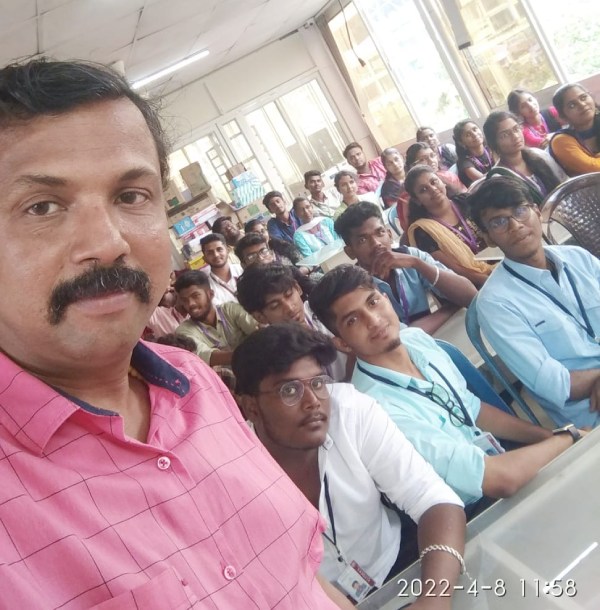
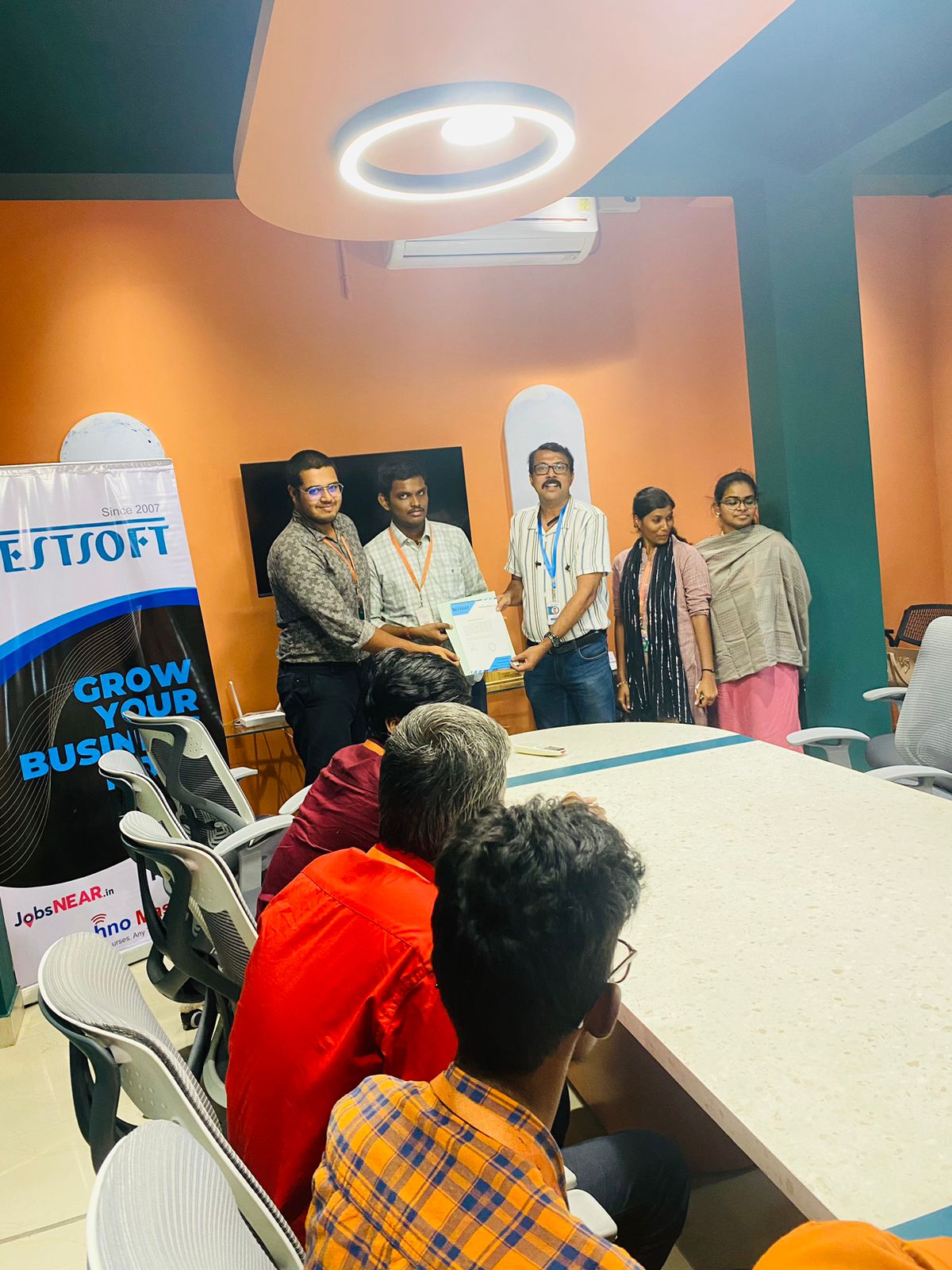
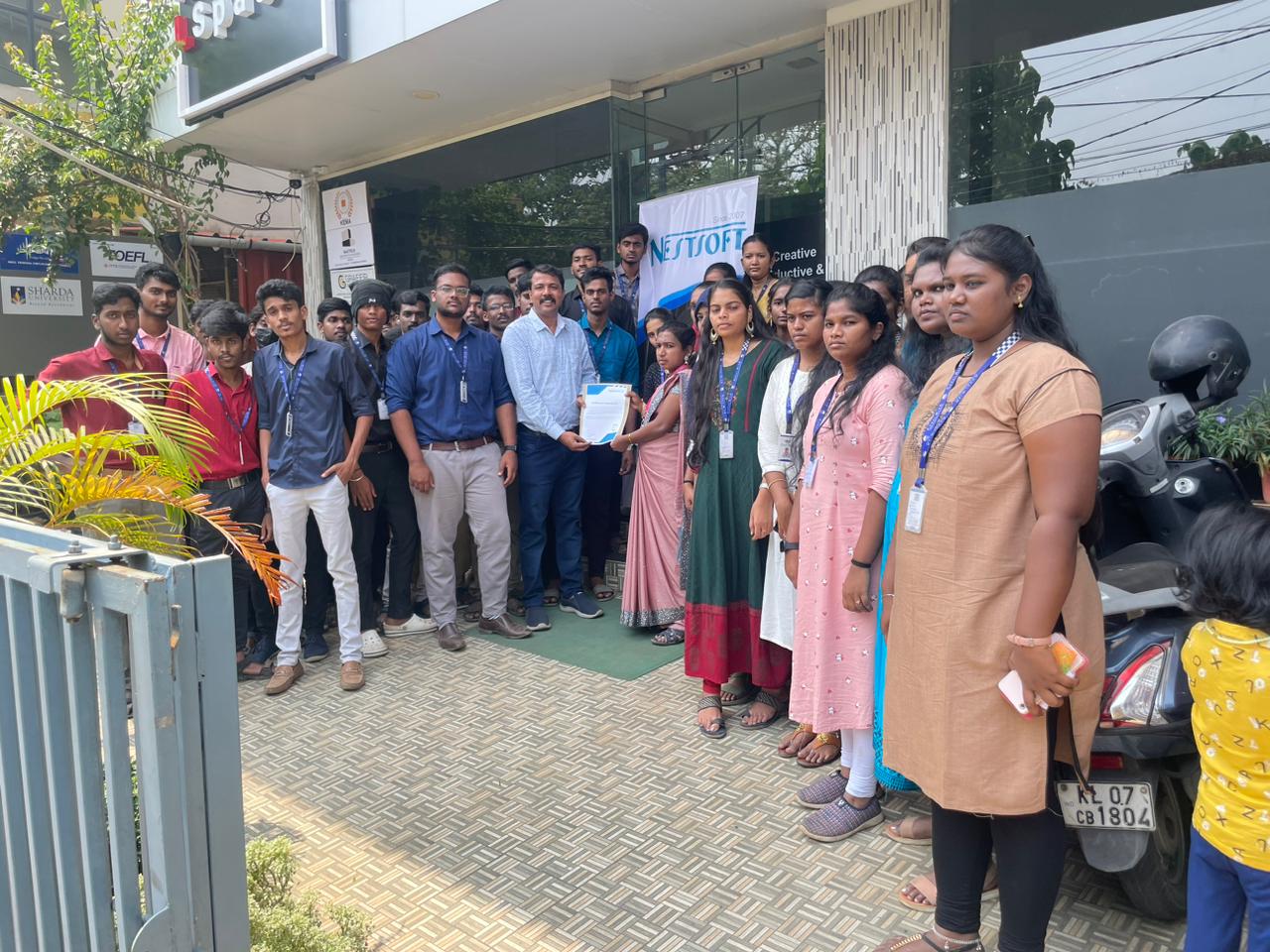
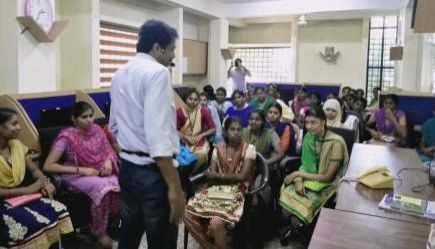
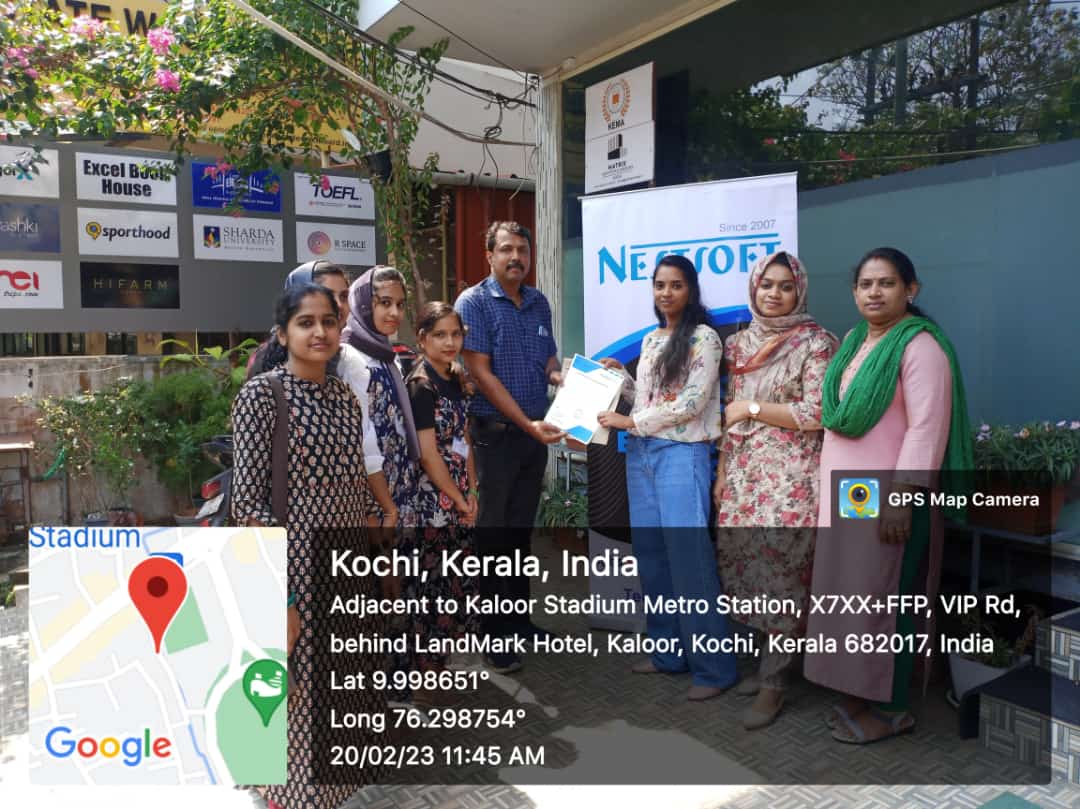
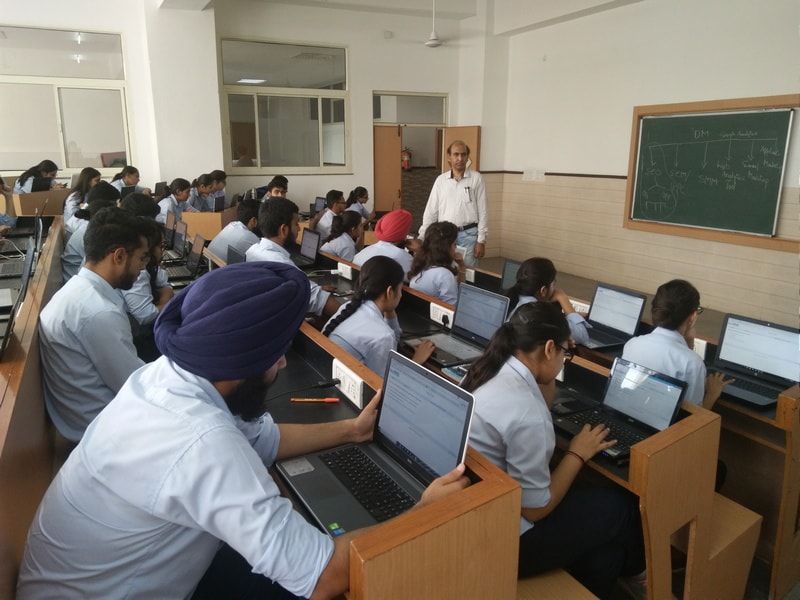
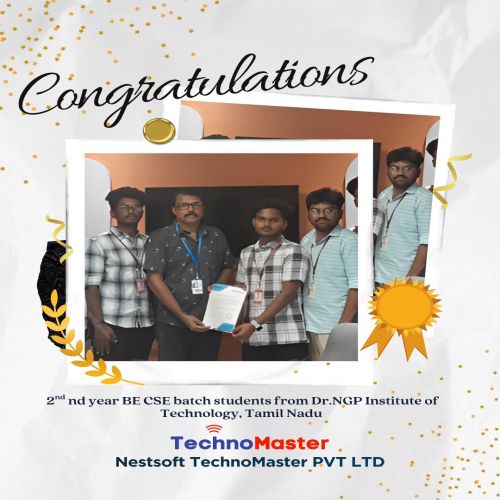
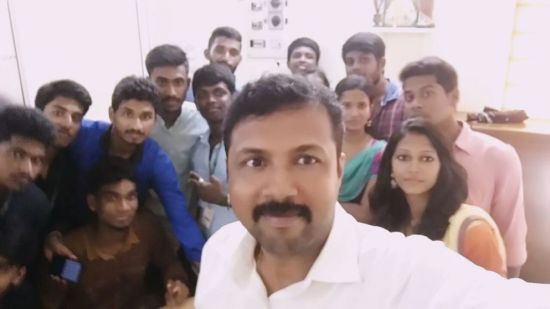
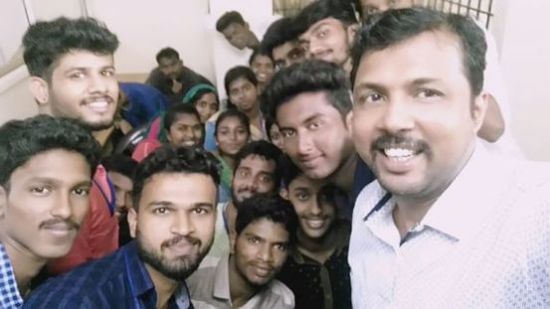
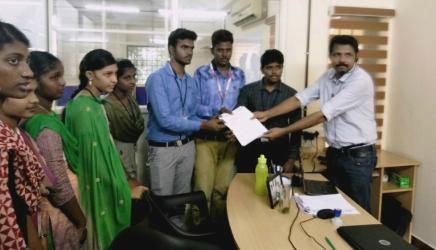
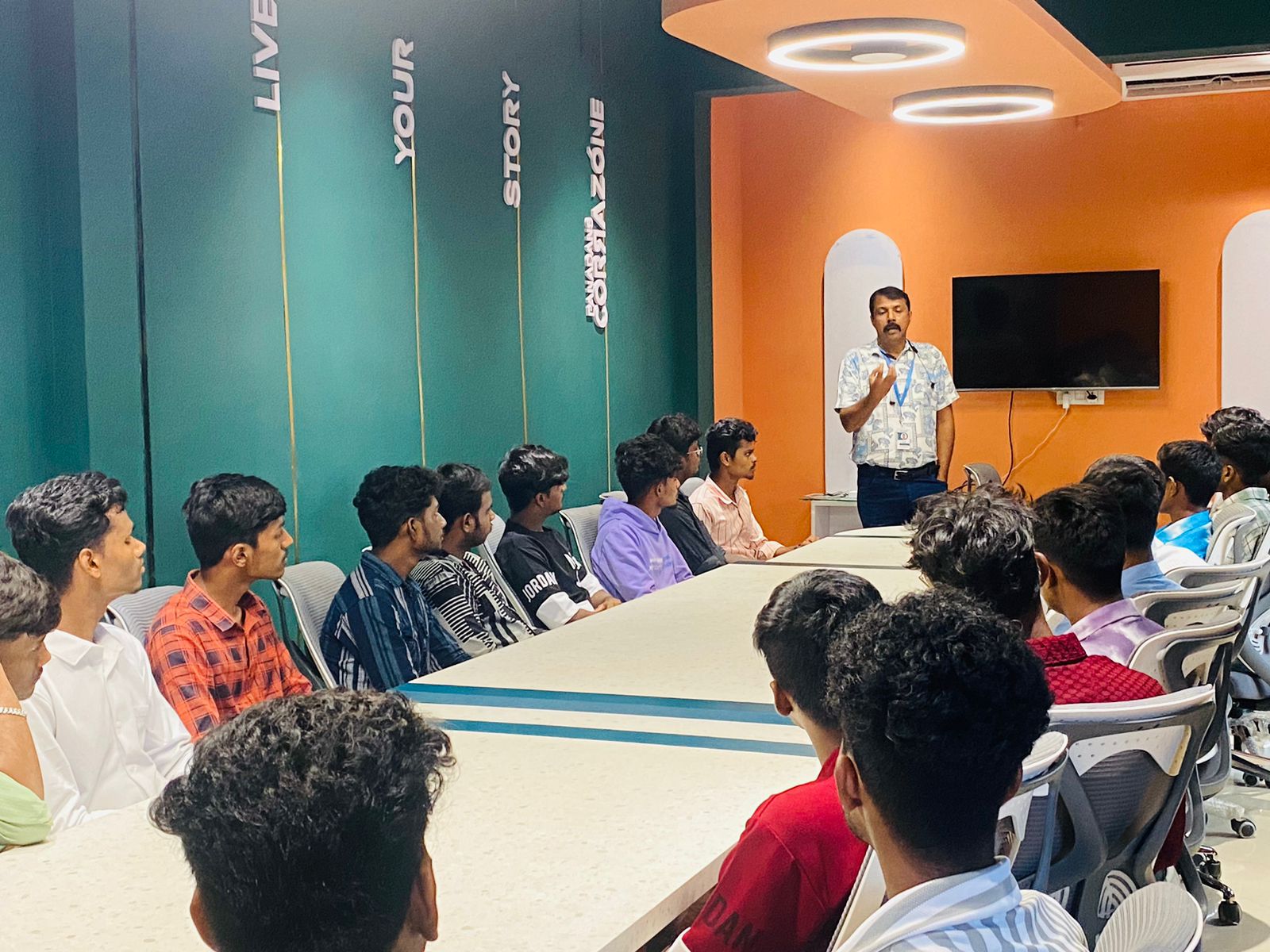
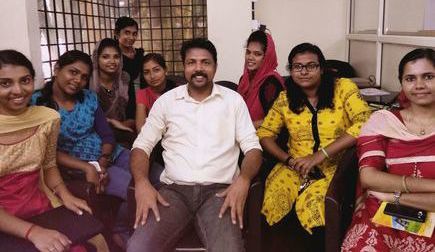
Photos of Training / Internships

Internship/projects in shepparton

Trained more than 10000+ students who trust Nestsoft TechnoMaster

Get Your Personal Trainer