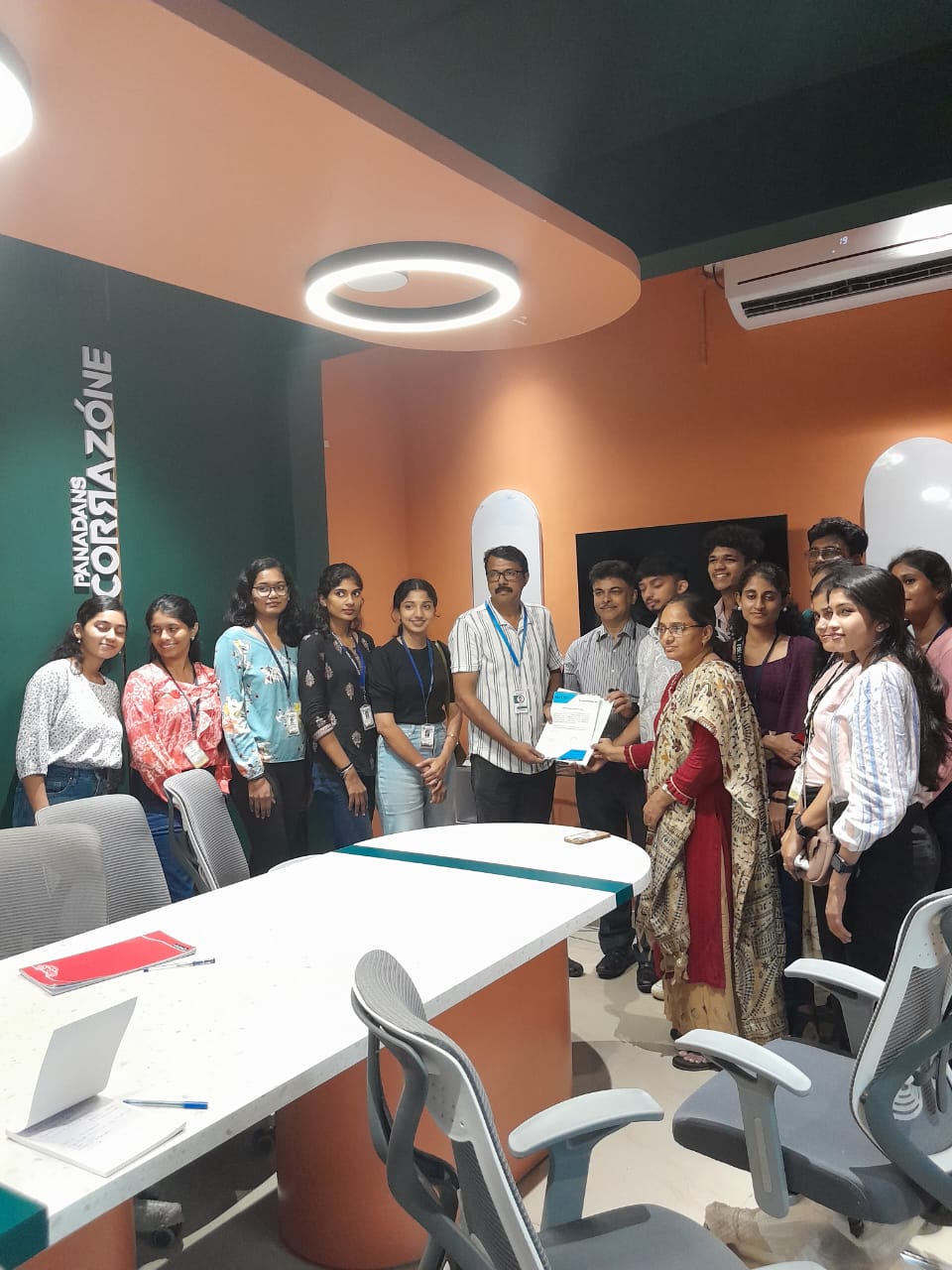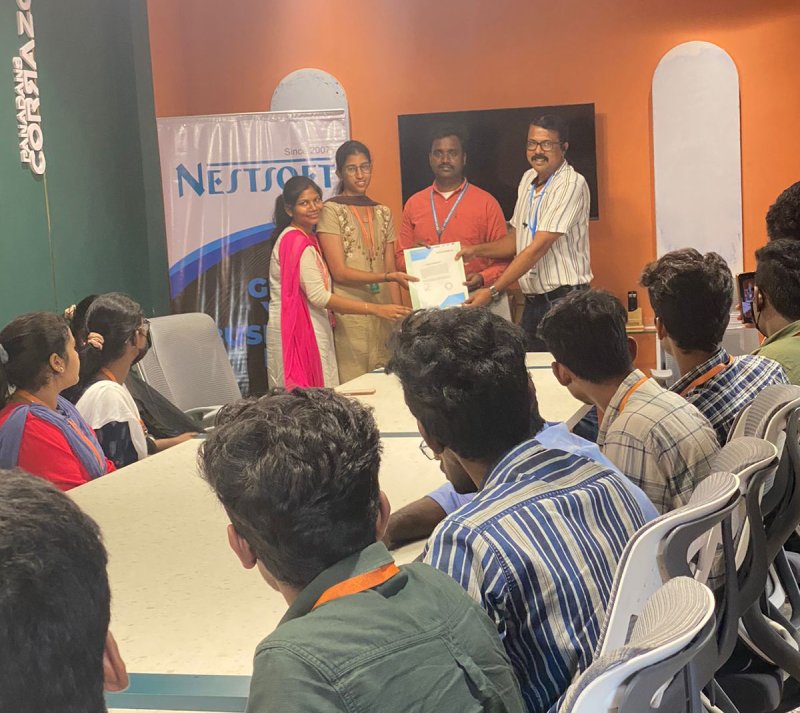

QuickBooks Online Live Class by Experts
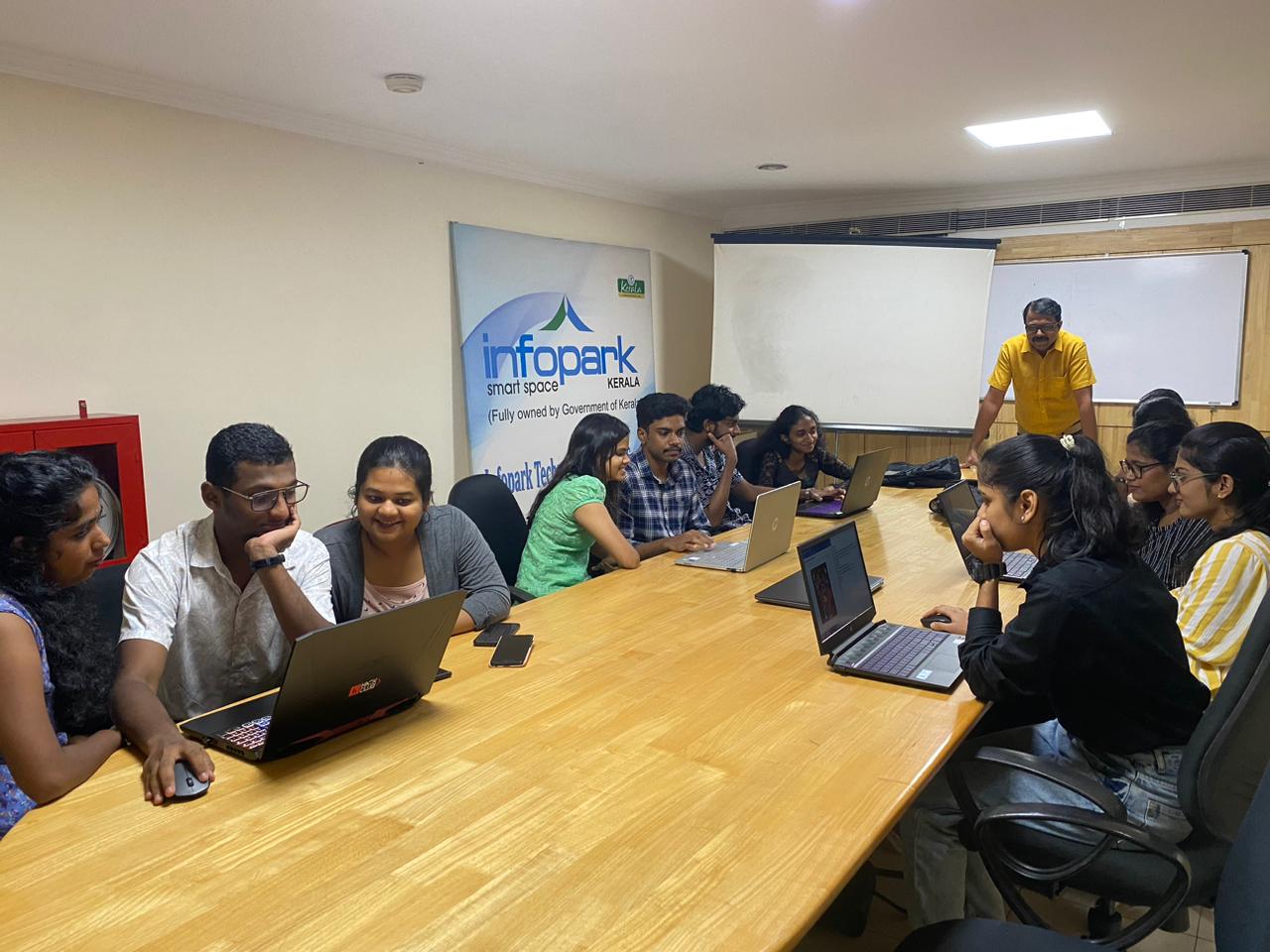
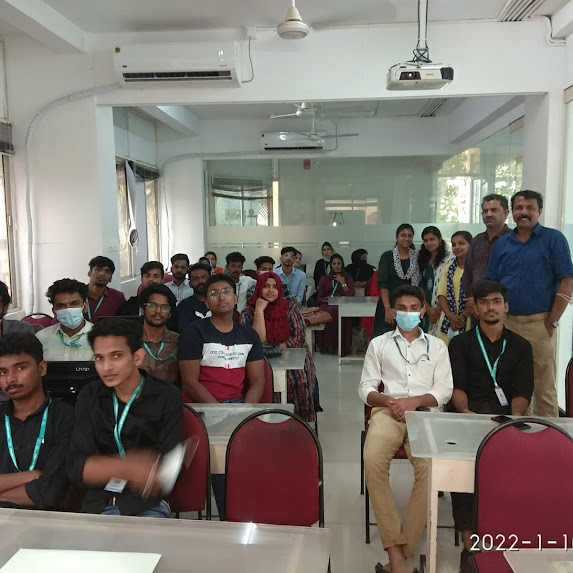
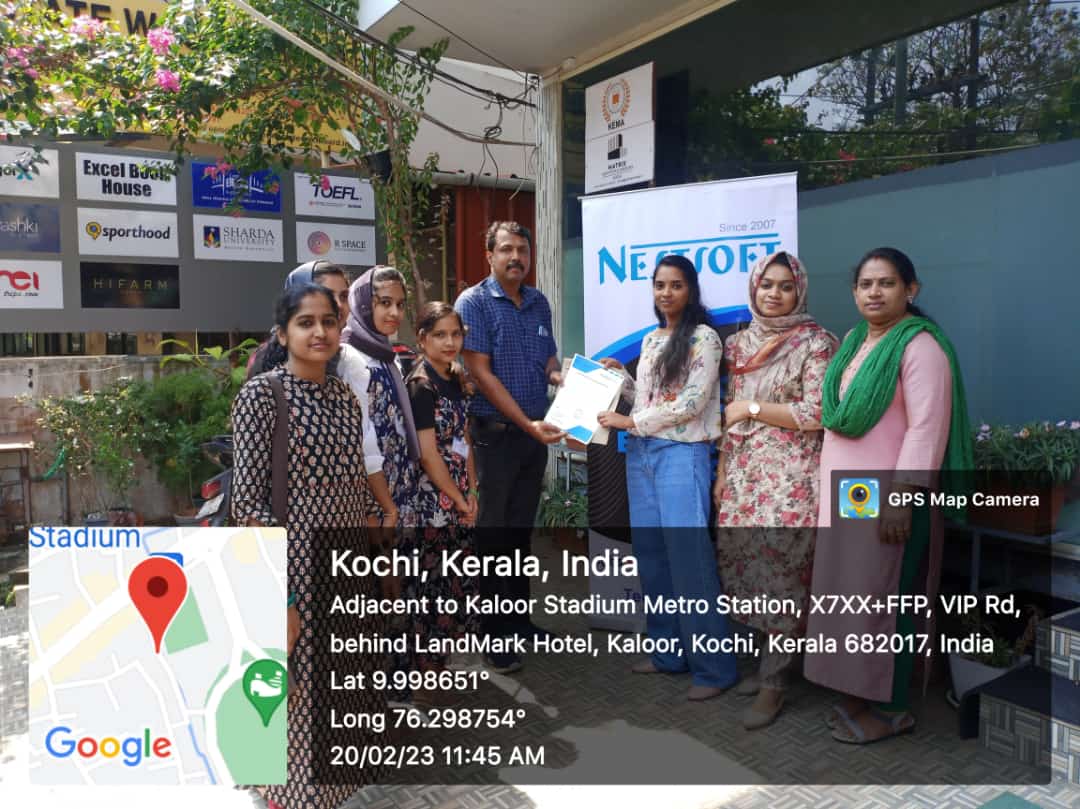
Our Training/Internship Process

QuickBooks - Syllabus, Fees & Duration
QuickBooks Training Syllabus – 30 Hours
Module 1: Introduction to Accounting & QuickBooks (3 hours)
-
Basics of accounting and financial terms
-
Introduction to QuickBooks Desktop & Online
-
Installation & setup of QuickBooks
-
Interface overview: dashboard, menus, settings
Module 2: Company Setup and Configuration (3 hours)
-
Creating a company file
-
Editing company preferences
-
Setting up fiscal year and currency
-
Backing up and restoring company files
Module 3: Chart of Accounts & Items (3 hours)
-
Understanding chart of accounts
-
Adding/editing accounts
-
Creating product and service items
-
Categorizing income and expenses
Module 4: Customers & Sales Management (4 hours)
-
Creating and managing customer profiles
-
Creating estimates, invoices, and sales receipts
-
Applying payments and handling partial payments
-
Handling sales returns and issuing credit memos
Module 5: Vendors & Expense Management (4 hours)
-
Creating vendor profiles
-
Recording purchases and bills
-
Paying bills manually or automatically
-
Tracking expenses and refunds
Module 6: Inventory & Asset Management (2 hours)
-
Setting up inventory items
-
Managing stock and reorder levels
-
Non-inventory and service items
-
Asset tracking and adjustments
Module 7: Bank Transactions (3 hours)
-
Linking and managing bank accounts
-
Reconciling accounts
-
Importing bank statements
-
Handling deposits and transfers
Module 8: Payroll & GST (4 hours)
-
Overview of payroll in QuickBooks
-
Setting up employee profiles
-
Calculating salaries, deductions, and taxes
-
Enabling and managing GST/VAT (India-specific)
Module 9: Financial Reporting & Analysis (3 hours)
-
Generating key reports: Profit & Loss, Balance Sheet, Cash Flow
-
Customizing reports
-
Exporting and printing reports
-
Basic financial analysis
Module 10: Project Work & Live Use Case (3 hours)
-
Create a sample business in QuickBooks
-
Perform full-cycle transactions (sales, purchases, payroll, GST)
-
Generate end-to-end reports
-
Troubleshooting and Q&A
Additional Features:
-
Multi-user access & roles
-
Data security & user permissions
-
QuickBooks mobile & cloud usage
-
Tips for freelancers and small businesses
Outcome:
By the end of the 30-hour course, students will:
-
Be proficient in managing small to medium business accounts using QuickBooks
-
Gain hands-on experience through live projects
-
Be ready for jobs in accounting, bookkeeping, or freelancing
-
Receive certification and internship support (if provided)
Download Syllabus - QuickBooks
This syllabus is not final and can be customized as per needs/updates
- Since 2001, Making IT Experts by Experts
- Duration: 30 Hours (Vary as per your skill)
- Course Fees
- Individual Live Classes (1:1)
- Batch Classes @ Low Fees
- Training on Your Time, Any Where
- Access to Recorded Videos
- Practical Internship on Projects
- 100% Placement Support by our jobsHybrid.com
- Training/Internship Certificate
- Adelaide
- Albany
- Alice Springs
- Armidale
- Ballarat
- Bathrust
- Bendigo
- Brisbane
- Bunbury
- Busselton
- Cairns
- Canberra
- Central Coast
- Darwin
- Devonport
- Dubbo
- Geelong
- Geraldton
- Gold Coast
- Goulburn
- Hobart
- Launceston
- Lismore
- Melbourne
- Melton
- Mildura
- Newcastle
- Nowra
- Orange
- Perth
- Rockhampton
- Shepparton
- Sydney
- Tamworth
- Toowoomba
- Townsville
- Warrnambool
- Wollongong
Course Highlights

Our Locations
 Whether you're a student, entrepreneur, finance professional, or job seeker, this course covers everything from setting up a company file to managing sales, expenses, payroll, GST, and generating financial reports. QuickBooks Training Course by Technomaster is a career-focused program designed to equip you with practical accounting and financial management skills using one of the world’s most widely used bookkeeping tools.
Taught by experienced industry professionals, the training includes real-time projects, live online or offline sessions, and hands-on exercises tailored to real-world business needs. You’ll also gain access to a live internship, enabling you to apply your skills in a working environment and enhance your resume. .
With certification and placement assistance included, this course is ideal for those looking to build a successful career in accounting, finance, or business administration using QuickBooks Desktop or Online versions.
Whether you're a student, entrepreneur, finance professional, or job seeker, this course covers everything from setting up a company file to managing sales, expenses, payroll, GST, and generating financial reports. QuickBooks Training Course by Technomaster is a career-focused program designed to equip you with practical accounting and financial management skills using one of the world’s most widely used bookkeeping tools.
Taught by experienced industry professionals, the training includes real-time projects, live online or offline sessions, and hands-on exercises tailored to real-world business needs. You’ll also gain access to a live internship, enabling you to apply your skills in a working environment and enhance your resume. .
With certification and placement assistance included, this course is ideal for those looking to build a successful career in accounting, finance, or business administration using QuickBooks Desktop or Online versions.