
Technical Writing Online Live Class by Experts
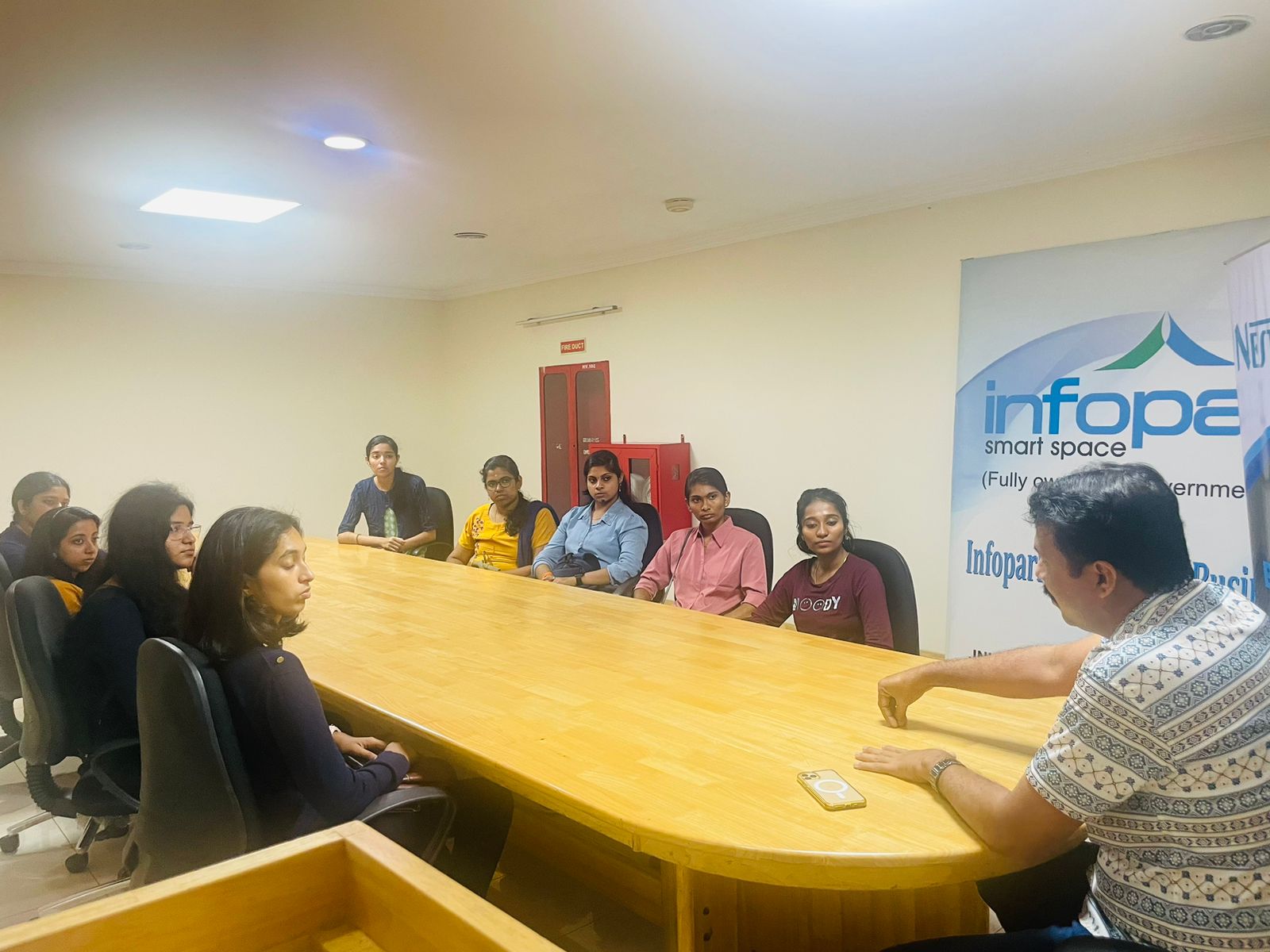
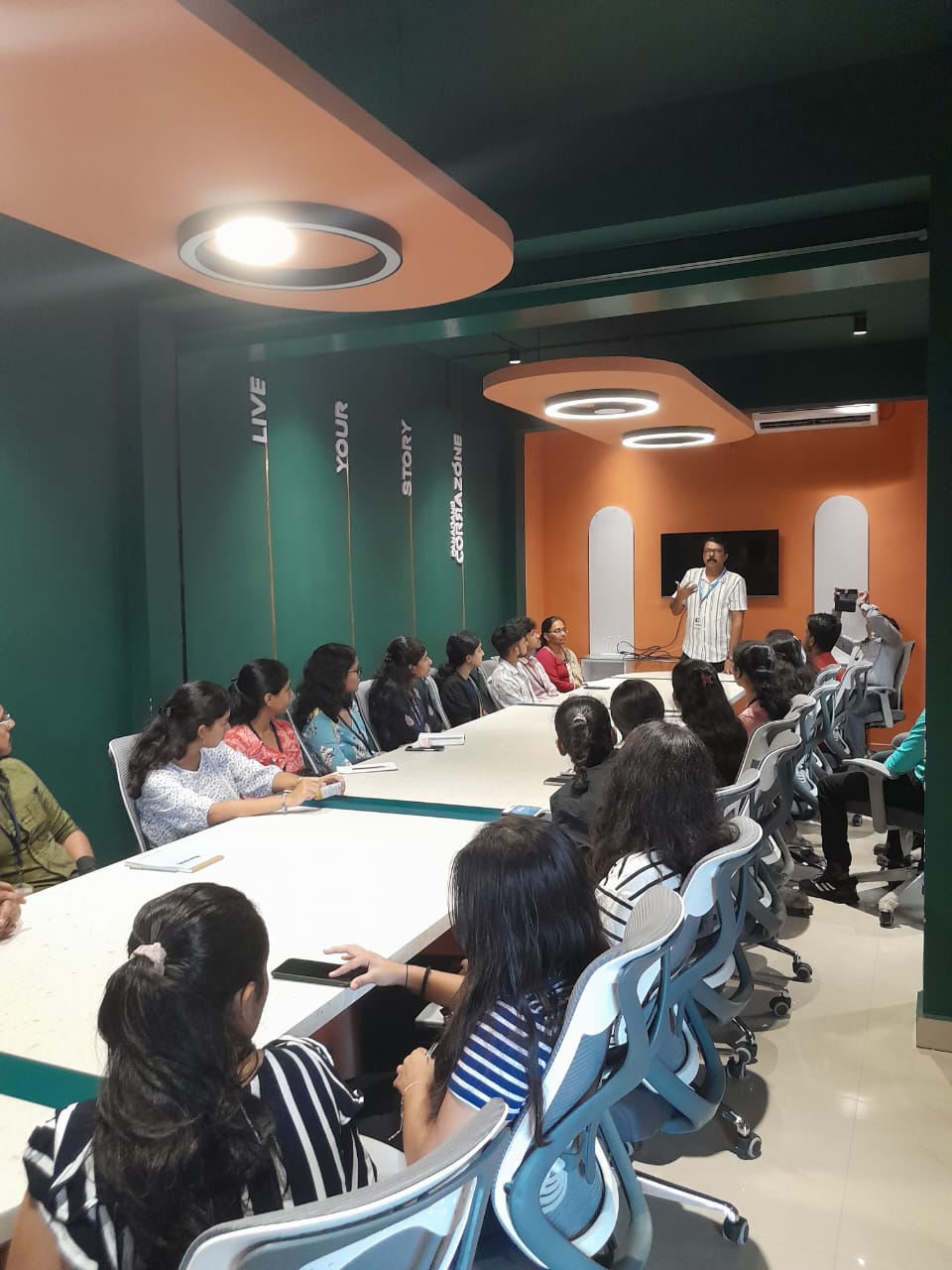
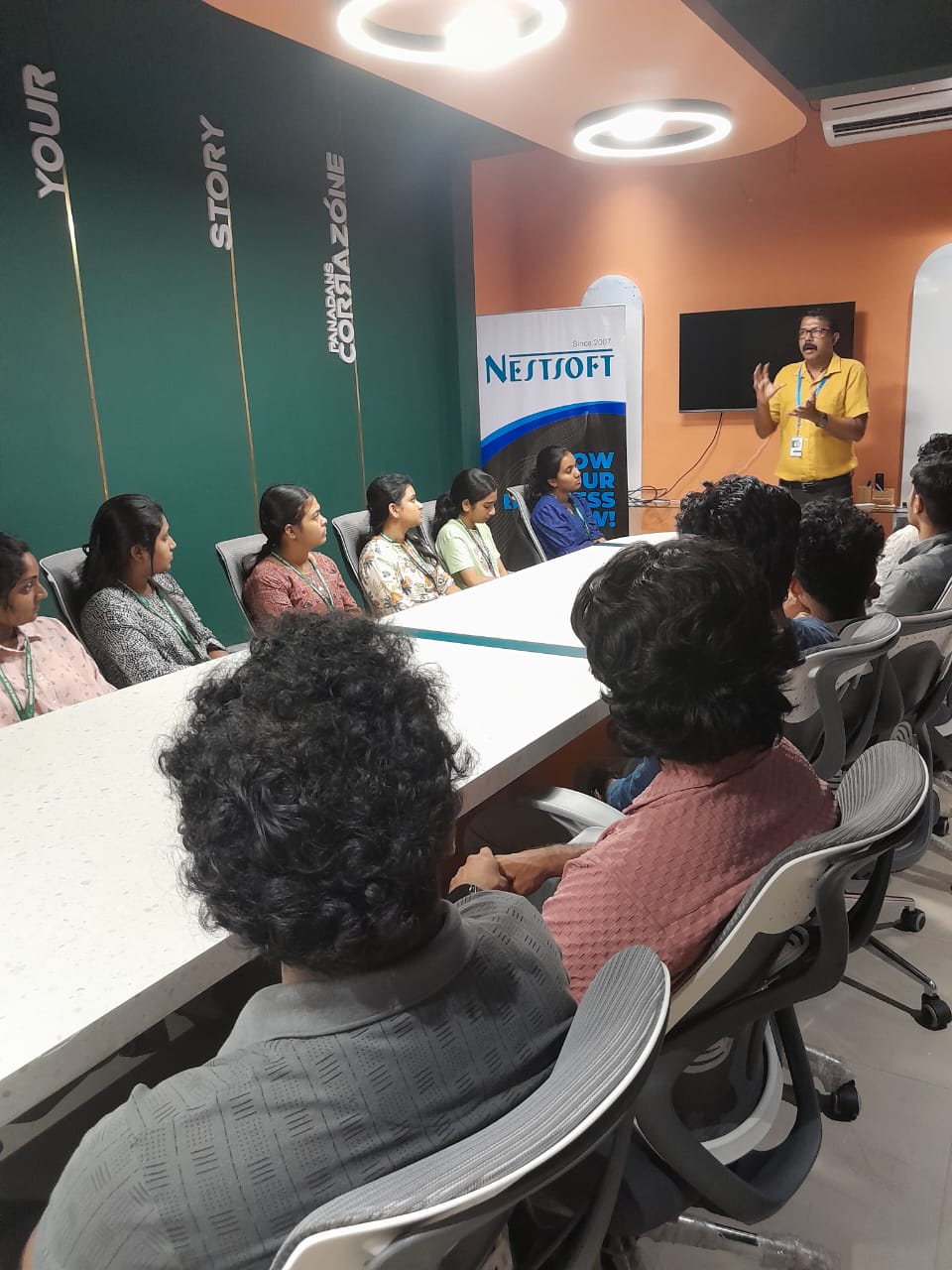
Our Training/Internship Process

Technical Writing - Syllabus, Fees & Duration
Course: Technical Writing
(Duration: 24 - 30Hrs)
- What is Technical Writing?
- Importance and scope in industry
- Difference between technical and other forms of writing
- Roles and responsibilities of a technical writer
- User Guide/Manual
- Installation guides
- Release Notes
- Whats New
- API Documentation
- Principles of clear and concise writing
- Grammar and punctuation essentials
- Sentence structure and readability
- Tone, style, and voice in technical writing
- Audience analysis and purpose-driven writing
- Creating a TOC
- Creating a LOF
- TOC vs Index
- Documentation Plan
- Basics of clear, concise, and structured writing
- Grammar essentials: Active vs. Passive voice, parallelism
- Common language pitfalls: Ambiguity, jargon, and filler words
- Introduction to tone, audience awareness, and readability
- Familiarity with Industry Style Guides (MSTP)
- Understanding the documentation workflow
- Requirement gathering and SME collaboration
- Audience analysis and requirement gathering
- Planning content structure and flow
- Content review and approval workflows
- Authoring tools: MS Word, Oxygen XML & FrameMaker (Overview only)
- Screenshot and visual tools: Snagit, MS Visio
- Basics of Git
- Content structuring with headings, lists, and tables
- Using screenshots, icons, and diagrams effectively
- Creating templates and maintaining consistency
- Managing Table of Contents, Indexes, and Figures
- checklist and peer reviews
- Working with SMEs and resolving comments
- Proofreading techniques and formatting standards
- Versioning and document control
- Final Edits and Quality Checks
- Formats: PDF, HTML, Online Help
- Basics of Cloud content and In-App Help
- Introduction to CMS
- Documentation maintenance and updates
Module 1: Introduction to Technical Writing
Module 2: Overview of Technical Document Types
Software Documentation:
Module 3: Writing Fundamentals
Module 4: Components of a Technical Document
Module 5: Writing Principles
Module 6: Documentation Life Cycle
Module 7: Software Tools for Technical Writing
Module 8: Document Planning & Design
Module 9: Review, Feedback, and Editing
Module 10: Publishing and Output Formats
This syllabus is not final and can be customized as per needs/updates
- Since 2001, Making IT Experts by Experts
- Duration: 30 Hours (Vary as per your skill)
- Course Fees
- Individual Live Classes (1:1)
- Batch Classes @ Low Fees
- Training on Your Time, Any Where
- Access to Recorded Videos
- Practical Internship on Projects
- 100% Placement Support by our jobsHybrid.com
- Training/Internship Certificate
- Adelaide
- Albany
- Alice Springs
- Armidale
- Ballarat
- Bathrust
- Bendigo
- Brisbane
- Bunbury
- Busselton
- Cairns
- Canberra
- Central Coast
- Darwin
- Devonport
- Dubbo
- Geelong
- Geraldton
- Gold Coast
- Goulburn
- Hobart
- Launceston
- Lismore
- Melbourne
- Melton
- Mildura
- Newcastle
- Nowra
- Orange
- Perth
- Rockhampton
- Shepparton
- Sydney
- Tamworth
- Toowoomba
- Townsville
- Warrnambool
- Wollongong
Course Highlights

Our Locations

 You will gain expertise in using industry-standard tools and formatting techniques, ensuring your work meets global standards. Guided by seasoned industry professionals, this program blends theoretical knowledge with hands-on experience to help you master the art of professional communication. Technomaster’s Technical Writing Course is designed to equip you with the skills needed to create clear, concise, and user-friendly documentation for diverse industries, including IT, engineering, healthcare, and more. . We also offer placement assistance, helping you connect with leading companies that value skilled technical writers.
Throughout the course, you will learn how to plan, structure, and write technical documents such as user manuals, API guides, reports, SOPs, and online help systems. Whether you are a fresher aiming to enter the field or a professional seeking to upgrade your skills, this course provides the perfect pathway to a rewarding career in technical writing.
One of the highlights of our training is the opportunity to work on real-time projects, giving you practical exposure and preparing you for workplace demands.
Upon successful completion, you will receive a globally recognized certification, validating your expertise and enhancing your employability.
You will gain expertise in using industry-standard tools and formatting techniques, ensuring your work meets global standards. Guided by seasoned industry professionals, this program blends theoretical knowledge with hands-on experience to help you master the art of professional communication. Technomaster’s Technical Writing Course is designed to equip you with the skills needed to create clear, concise, and user-friendly documentation for diverse industries, including IT, engineering, healthcare, and more. . We also offer placement assistance, helping you connect with leading companies that value skilled technical writers.
Throughout the course, you will learn how to plan, structure, and write technical documents such as user manuals, API guides, reports, SOPs, and online help systems. Whether you are a fresher aiming to enter the field or a professional seeking to upgrade your skills, this course provides the perfect pathway to a rewarding career in technical writing.
One of the highlights of our training is the opportunity to work on real-time projects, giving you practical exposure and preparing you for workplace demands.
Upon successful completion, you will receive a globally recognized certification, validating your expertise and enhancing your employability.